

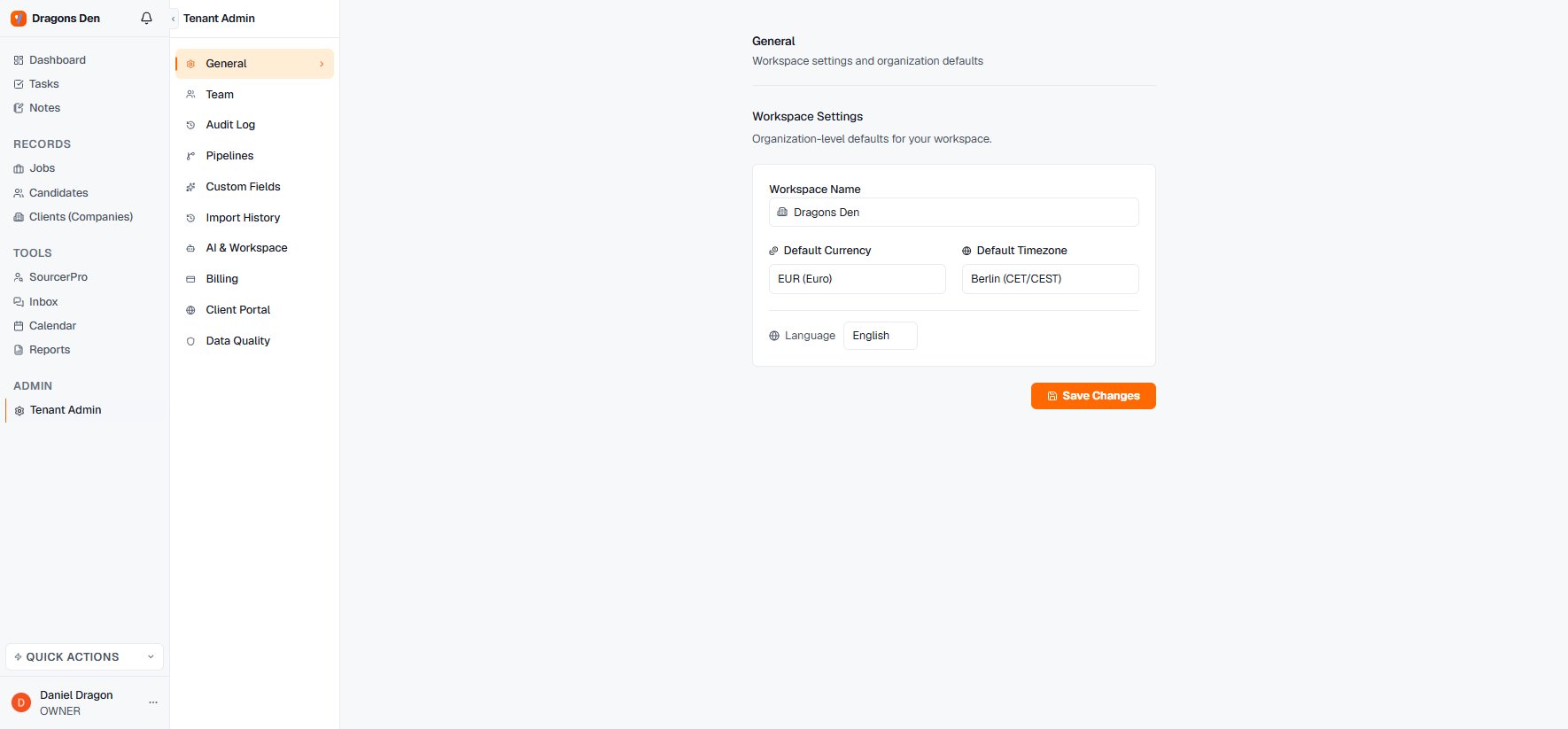
Workspace defaults in Tenant Admin
General
Workspace name, default currency (used for deal values and revenue reporting), default timezone, and the workspace language.Team
Invite colleagues with Invite Member; members carry a role (Owner, and further roles per plan) and a last-active indicator.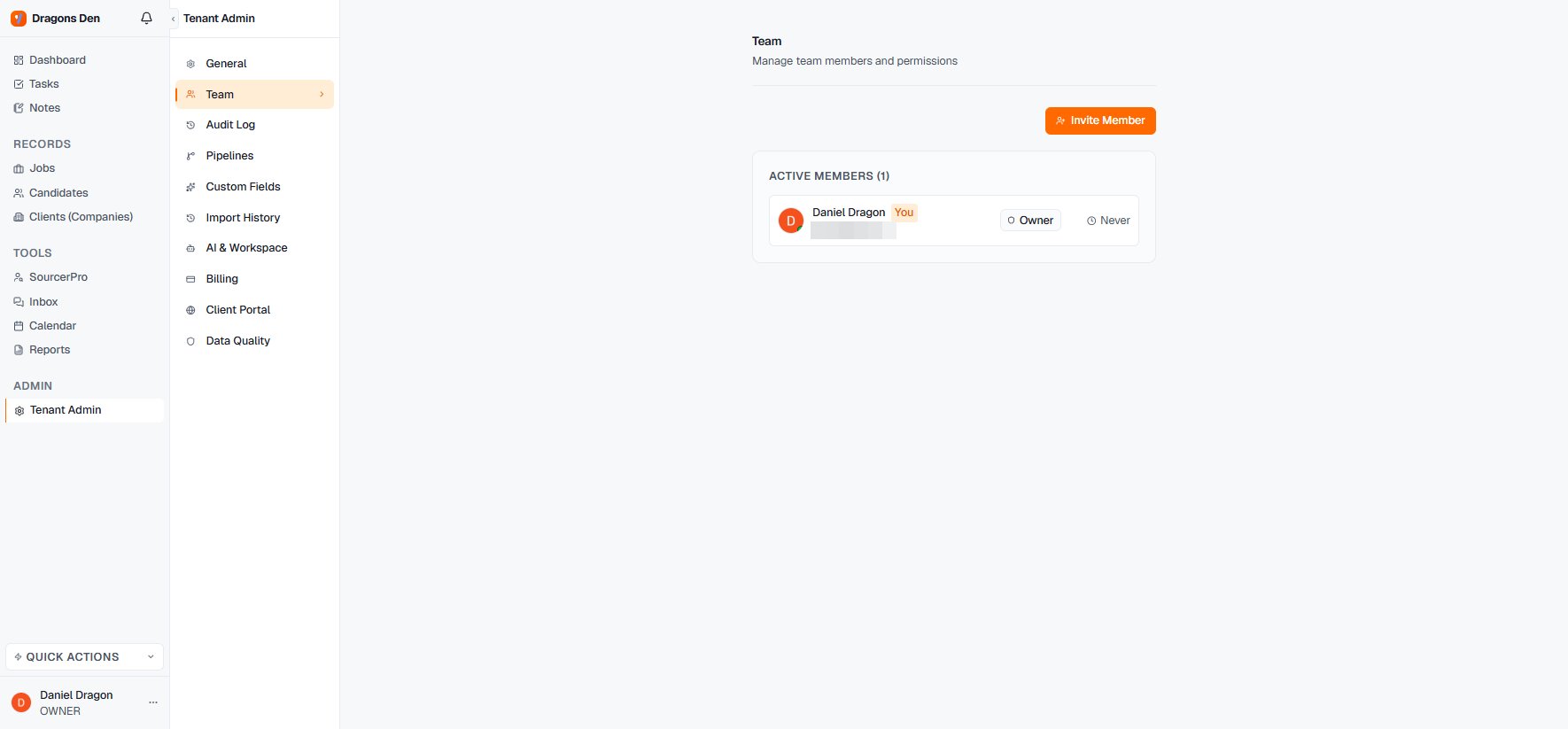
Team management with roles
Relative or absolute timestamps
“2 days ago” reads quickly. It also stops being true the moment you come back to the record, and it cannot be quoted in a client update. Settings → Preferences → Use relative timestamps lets you choose which one you get. Off is the exact setting: every screen shows the real date, plus the time wherever the relative wording would have been finer than a day. On is the quick setting: the familiar “2 days ago” style. The choice applies on every screen, not only on the one you changed it from. It is a personal preference, so your colleagues keep theirs.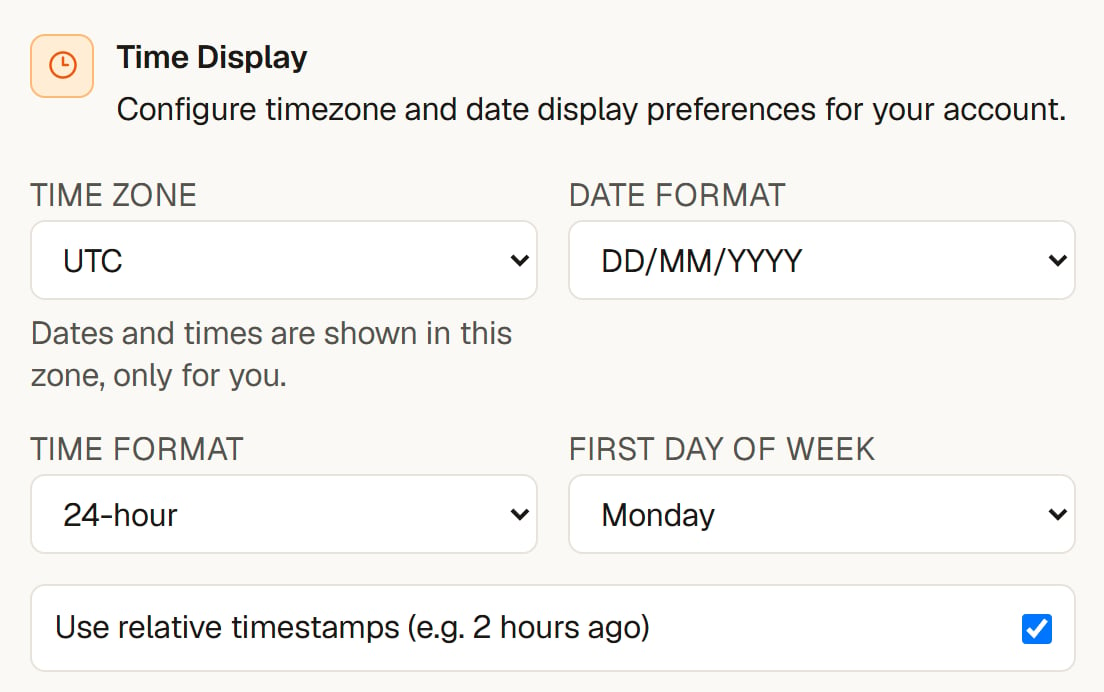
Absolute dates on every screen
The rest of the admin surface
- Audit Log — who did what, when.
- Pipelines — workspace-level pipeline templates, so new jobs start with your stages.
- Custom Fields — extend candidate, job, and company records with your own fields.
- Import History — every CSV and CV import, traceable.
- AI & Workspace — AI behaviour settings for the workspace.
- Billing — plan and payment.
- Client Portal — portal defaults and branding.
- Data Quality — where records are missing the fields your reporting relies on.