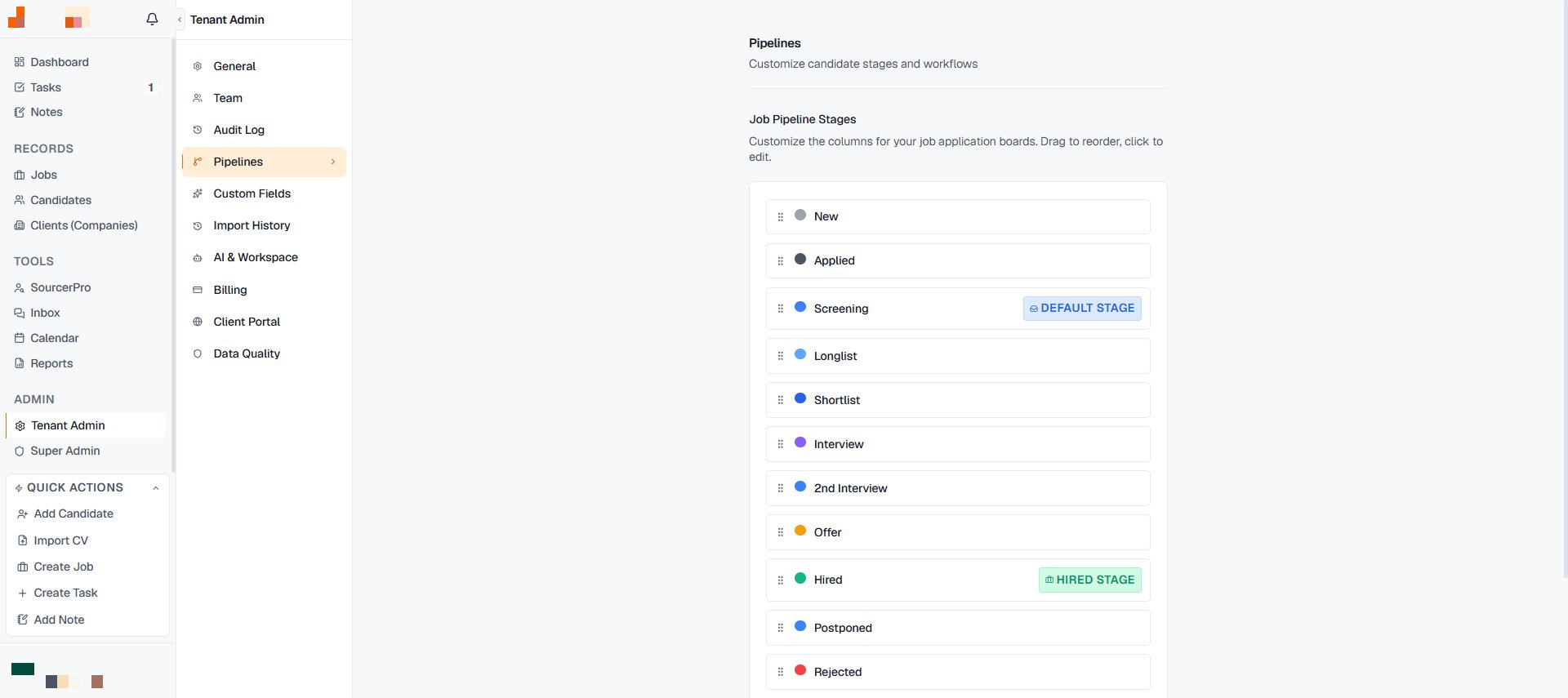
The default pipeline (New → Applied → Screening → Longlist → Shortlist → Interview → 2nd Interview → Offer → Hired, plus Postponed and Rejected) fits most desks. When it doesn’t, two levels of control:

Per job: rename and add stages

Every column’s ⋯ menu on a job’s pipeline offers Rename and Add Stage. An executive search might want “Referenzen” between 2nd Interview and Offer; a temp desk might collapse the interview stages entirely. Changes apply to that job.
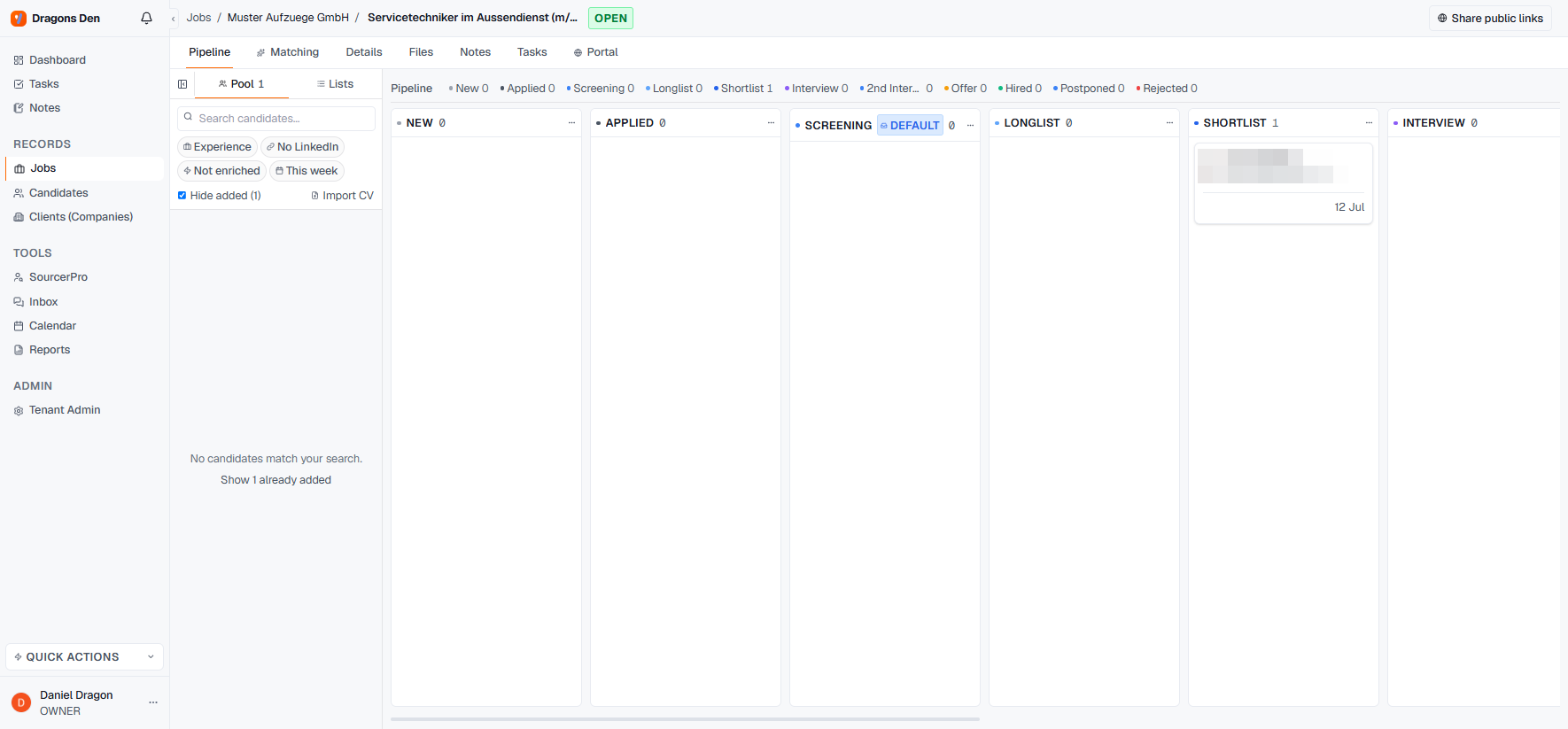
Pipeline with column menu options

Workspace-wide: pipeline templates

Pipeline templates
Tenant Admin → Pipelines holds the workspace templates, so every new mandate starts with your process instead of the default. Set it once when your team agrees on a flow; per-job edits still work on top.

Why stage hygiene pays

The Pipeline Funnel in Reports aggregates by stage across all jobs. Consistent stage names are what make “where do our searches stall?” answerable — the funnel is only as honest as the columns.