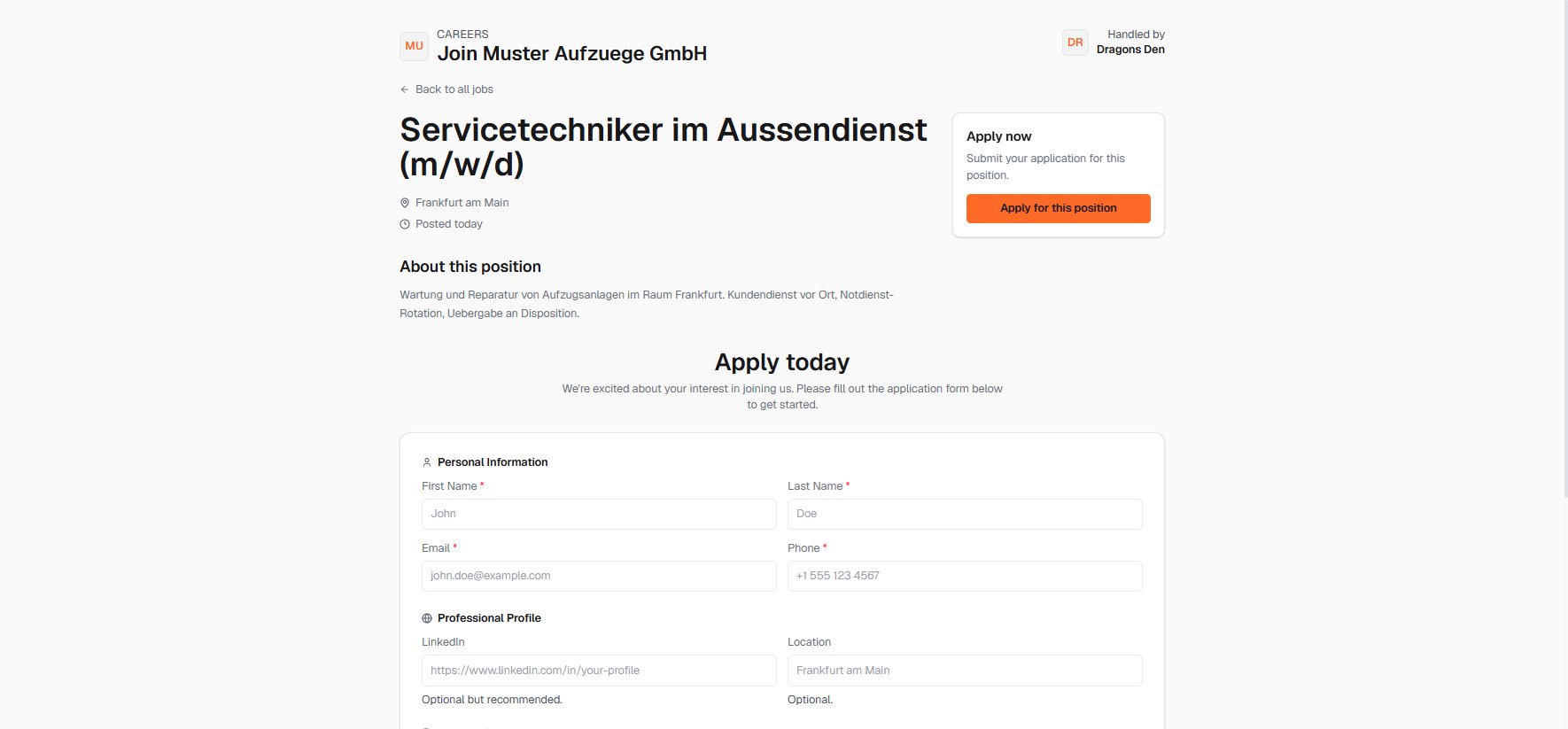
The inbound half of the product: careers page, the Applied stage, screening, and the calendar.
Sourcing finds the candidates who weren’t looking. This journey handles the ones who come to you.
1
Publish the role — from the job's Portal tab
Every job carries a public careers page and apply link. Send the link with outreach, hand it to the client, or paste the embed snippet into their website.
The candidate-facing careers page with application form
2
Applications land in the pipeline — no inbox triage
Applicants appear on the job’s Applied stage with their form details and documents attached. The counters on the jobs board tell you when something new arrived.
3
Screen against the same bar — in the Pipeline
Move genuine contenders to Screening and work them exactly like sourced candidates: same record, same notes, same stages. Weak applications go to Rejected — keeping the pipeline honest keeps the reports honest.
4
Book the interview — in the Calendar
With Google or Microsoft sync connected, interviews live next to everything else, and the interview lands on the candidate record’s activity trail.
5
Merge the streams
From Interview onward, applicants and sourced candidates are indistinguishable: one pipeline, one portal presentation, one placement. That’s deliberate — the client never needs to know which channel found the winner.
Applications carry intent that sourced candidates don’t. When the same profile quality shows up in both streams, the applicant usually closes faster.