From shortlist to ATS: importing sourced candidates
One click moves a sourced candidate into your Candidates database, with their employer created as a company record.
A Sourcer shortlist is a working list. The candidates you actually want to work with move into your ATS with one click.
1
Click Import on the shortlist row
Every shortlist row has an import button. Click it and the candidate lands in Candidates with their profile, experience, and any revealed contact details attached.
2
Yena creates the connected records
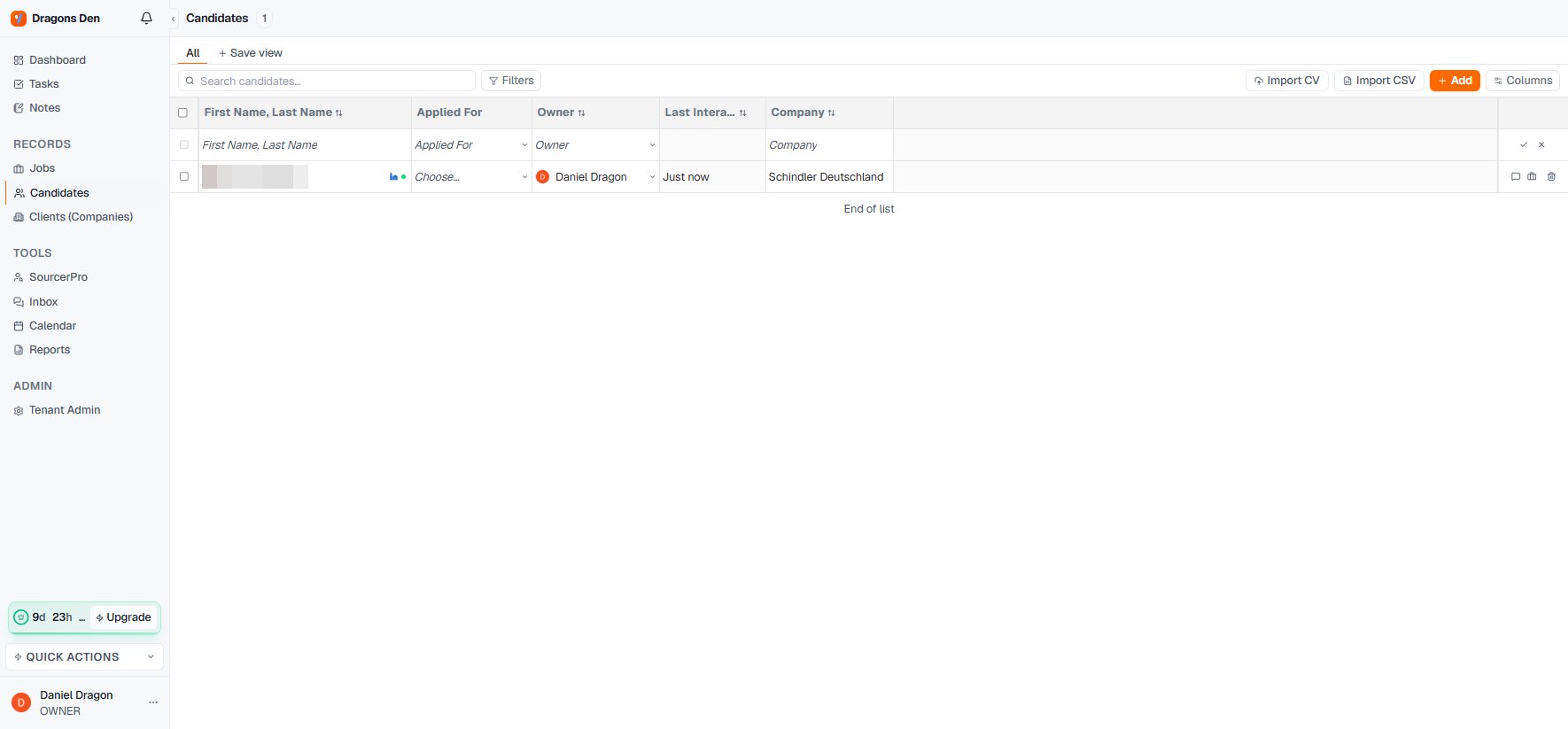
The candidate’s current employer is created as a company record automatically, so the relationship graph starts complete: candidate, company, and later the jobs you attach them to.
The imported candidate in your Candidates list
3
Work the record
Open the candidate to see the full record: experience timeline, tenure stats, notes, files, tasks, linked companies and jobs. See Candidate records.
You can also bring candidates in without the Sourcer: Import CV parses a CV file into a record, and Import CSV bulk-loads an existing list. Both live at the top of the Candidates section.