

Where the logo comes from
Yena looks it up in the background, within minutes of the company being created — from the company’s website when one is saved on the record, and from the company name when none is. Until that finishes, and for any company where no logo exists, a two-letter mark stands in: the initials of the company name on a quiet colour. The same company always wears the same colour everywhere, so the mark itself becomes recognisable. It is never a blank square and never a generic building icon — two letters tell you which company, an icon tells you nothing.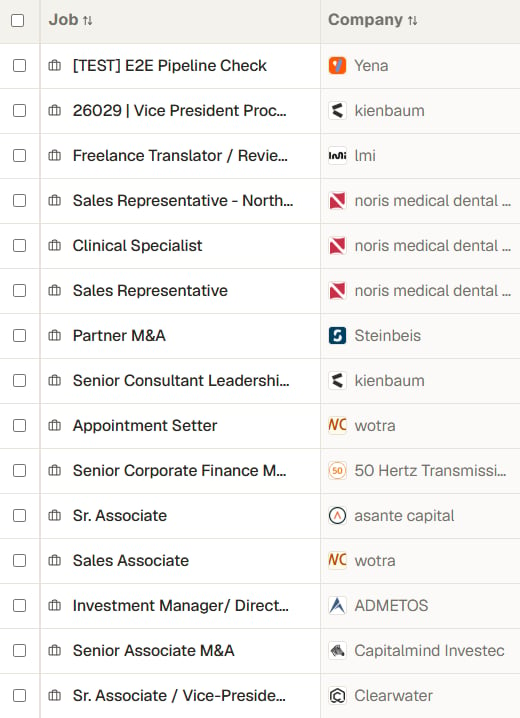
A project list you can scan by logo, with two-letter marks standing in
Where you see it
- Projects — in the list, and next to the title in the project header.
- Clients (Companies) — in the list and on the company record.
- The client portal — in the header of the page your client opens, and on the candidate presentation.
- Career timelines — each past employer on a candidate’s record carries its own logo, so their history reads as a run of recognisable companies.

The client's logo next to the project title
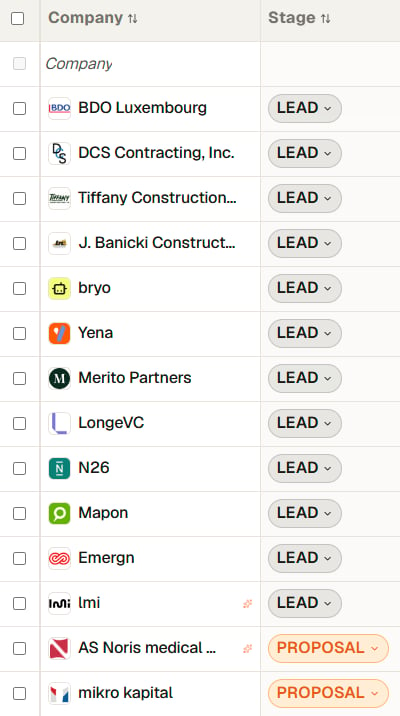
The client list, scannable by mark

The portal header your client opens
Using a different logo for one portal
The automatic logo is a fallback, not a lock. In a project’s Portal tab, Client Branding & Details has a Client Logo URL field; whatever sits there wins for that portal. Paste a link to the file the client gave you, or let Import branding fill it from their website — see Portal settings and branding. That is the setting to use when the public logo belongs to the group and your engagement is with one division.Logos are stored by Yena once and served from there. No image is fetched from anywhere else while a page loads, so your lists stay fast and your client’s browser never reaches out to a third party when they open a portal.