

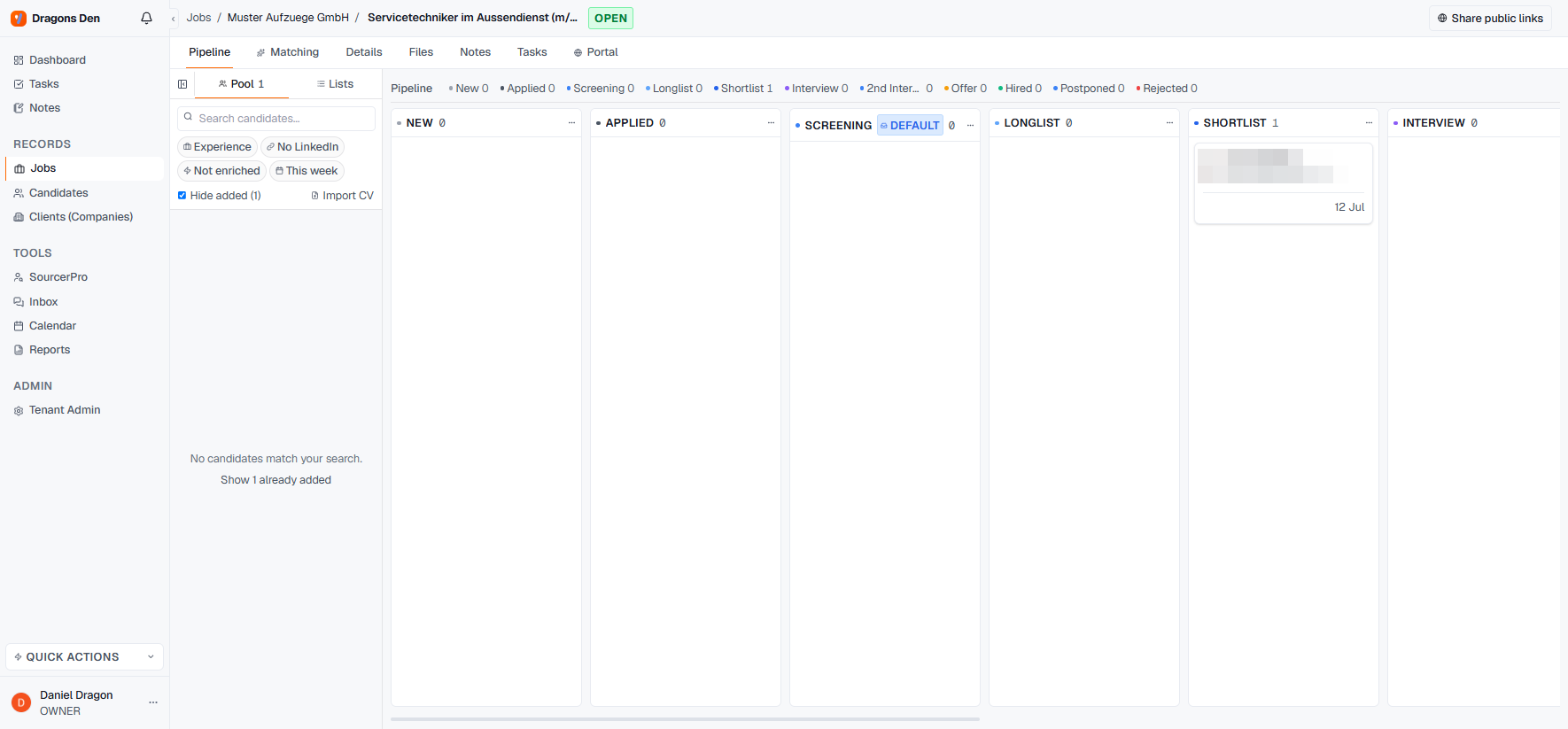
A candidate assigned to the Shortlist stage
Getting candidates in
The left rail is your pool: every candidate in your database, with filters (experience, LinkedIn, enrichment status, recency) and a search box. Drag a candidate onto a column, or click the + on their card and pick the stage. Import CV sits right there for candidates that arrive as files.Working the pipeline
- Drag cards between stages as the search progresses; the counters across the top always show the state of the race.
- Click a card for the full candidate preview without leaving the pipeline.
- Stages are yours: rename any column or add stages via the column menu, per job.
The pipeline is internal. Presenting candidates to the client happens through the client portal, where you choose exactly who the client sees.