

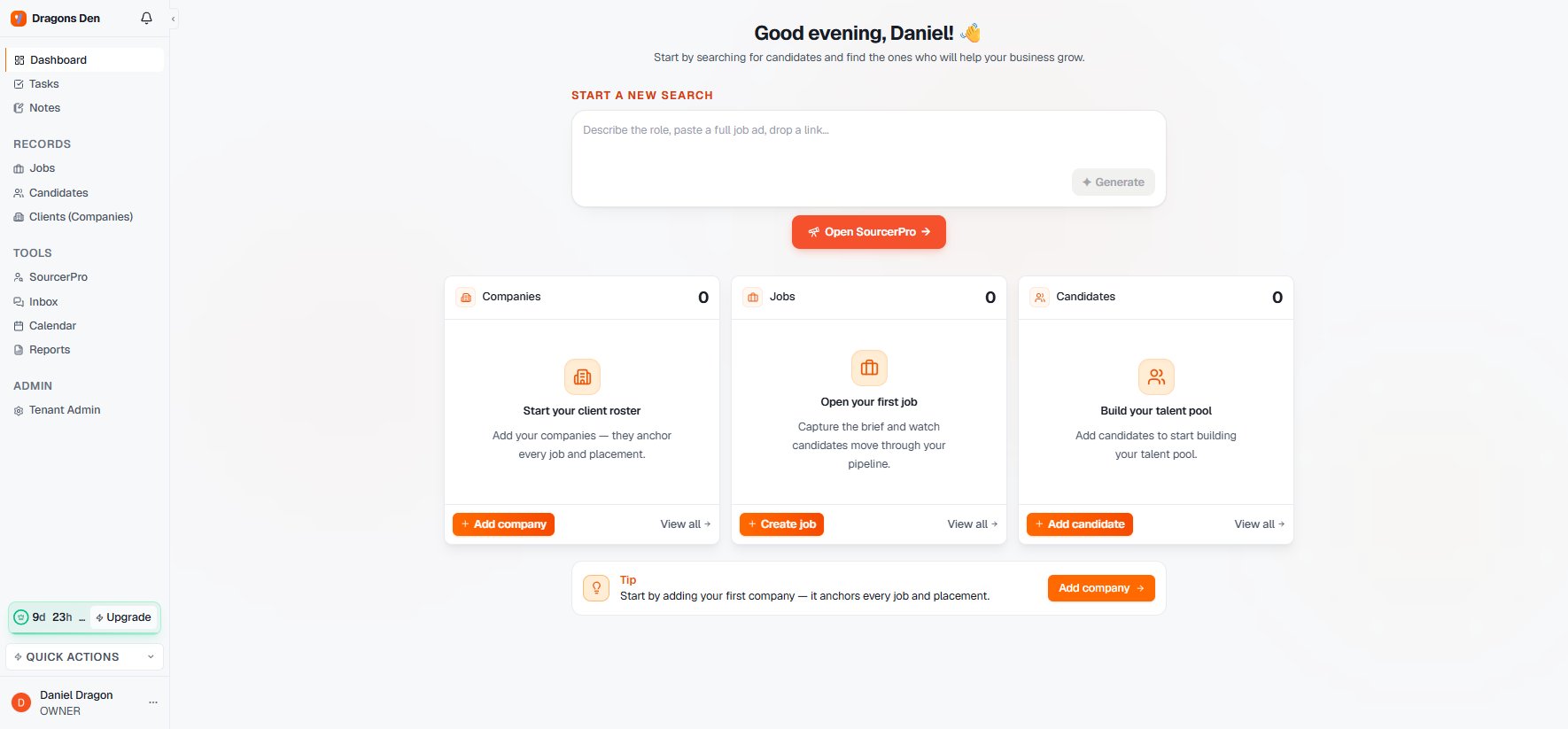
The dashboard: search first, records at a glance
The dashboard
The dashboard opens on the thing you do most: Start a new search. Below it, three cards show your Companies, Jobs, and Candidates with the most recent records and one-click create buttons.The sidebar
- Dashboard, Tasks, Notes — your working layer.
- Records: Jobs, Candidates, Clients (Companies) — the database. Each is a filterable table with saved views, CSV import, and inline editing.
- Tools: SourcerPro, Inbox, Calendar, Reports — the Sourcer and everything around the work.
- Admin: Tenant Admin — workspace settings, visible to owners and admins.