

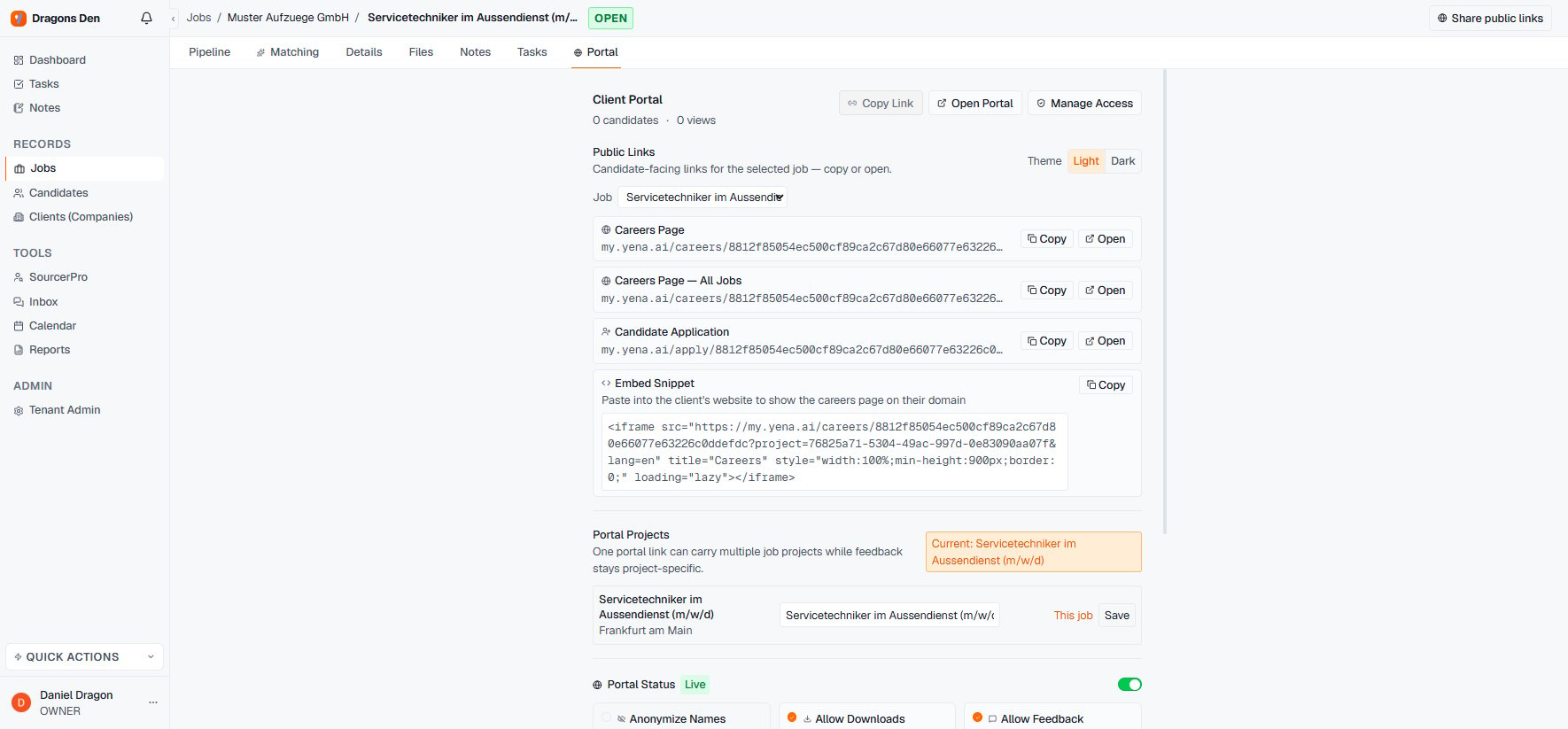
The Portal tab: links, projects, status, and toggles
The three toggles
- Anonymize Names — the client sees profiles without identities. The pre-contract setting: it protects candidates from being approached directly and protects your fee. Flip it off once terms are signed.
- Allow Downloads — client can download CVs and documents you attached to the records. Off means view-only.
- Allow Feedback — comments and ratings on candidates, which land back with your pipeline. This is usually the whole point; leave it on unless the review is strictly one person’s yes/no.