Reveal a verified email or phone number for any candidate on your shortlist, or add one manually.
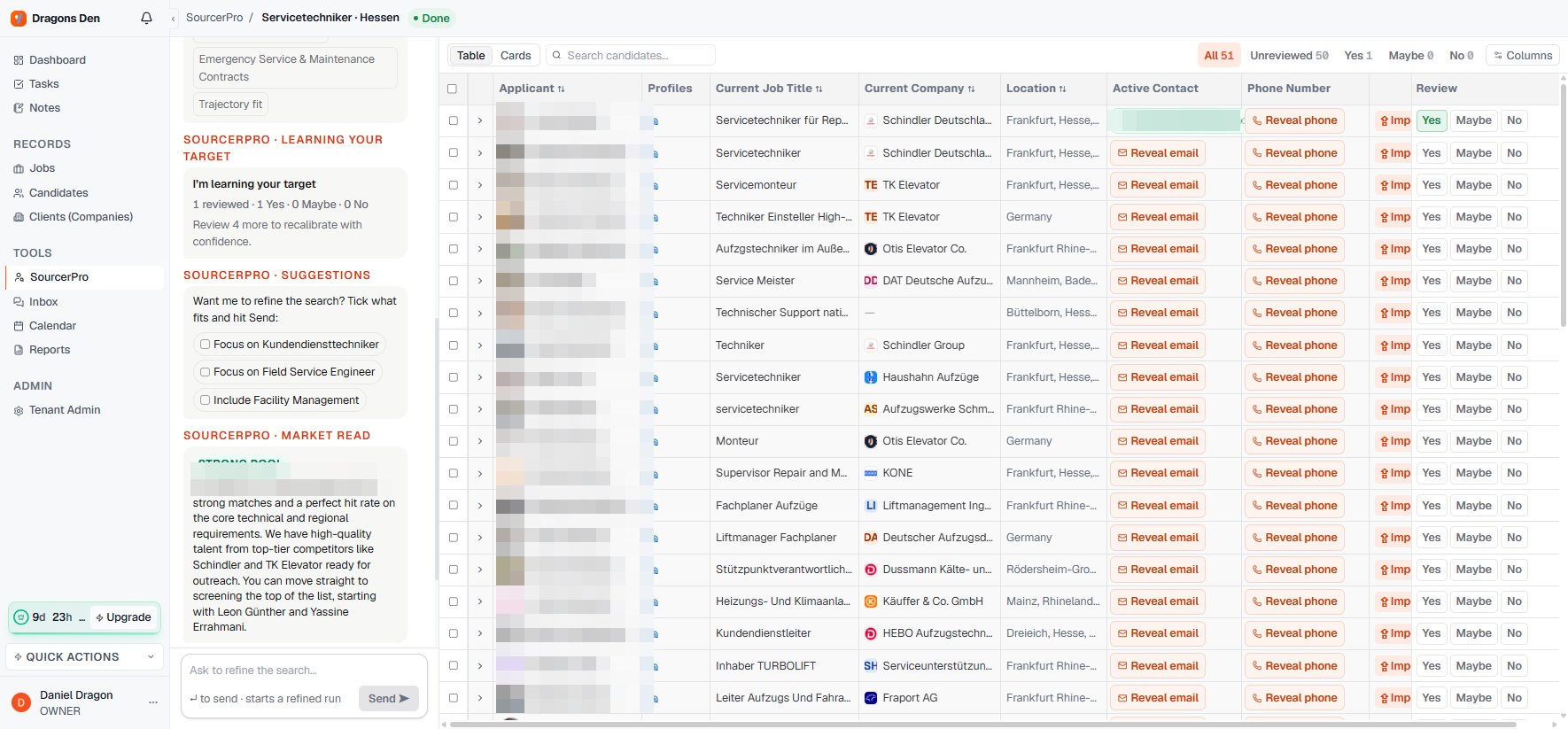
Every candidate on a Sourcer shortlist has Reveal email and Reveal phone buttons in the Active Contact columns. You only spend anything when you actually need to reach someone.
1
Click Reveal on the candidate
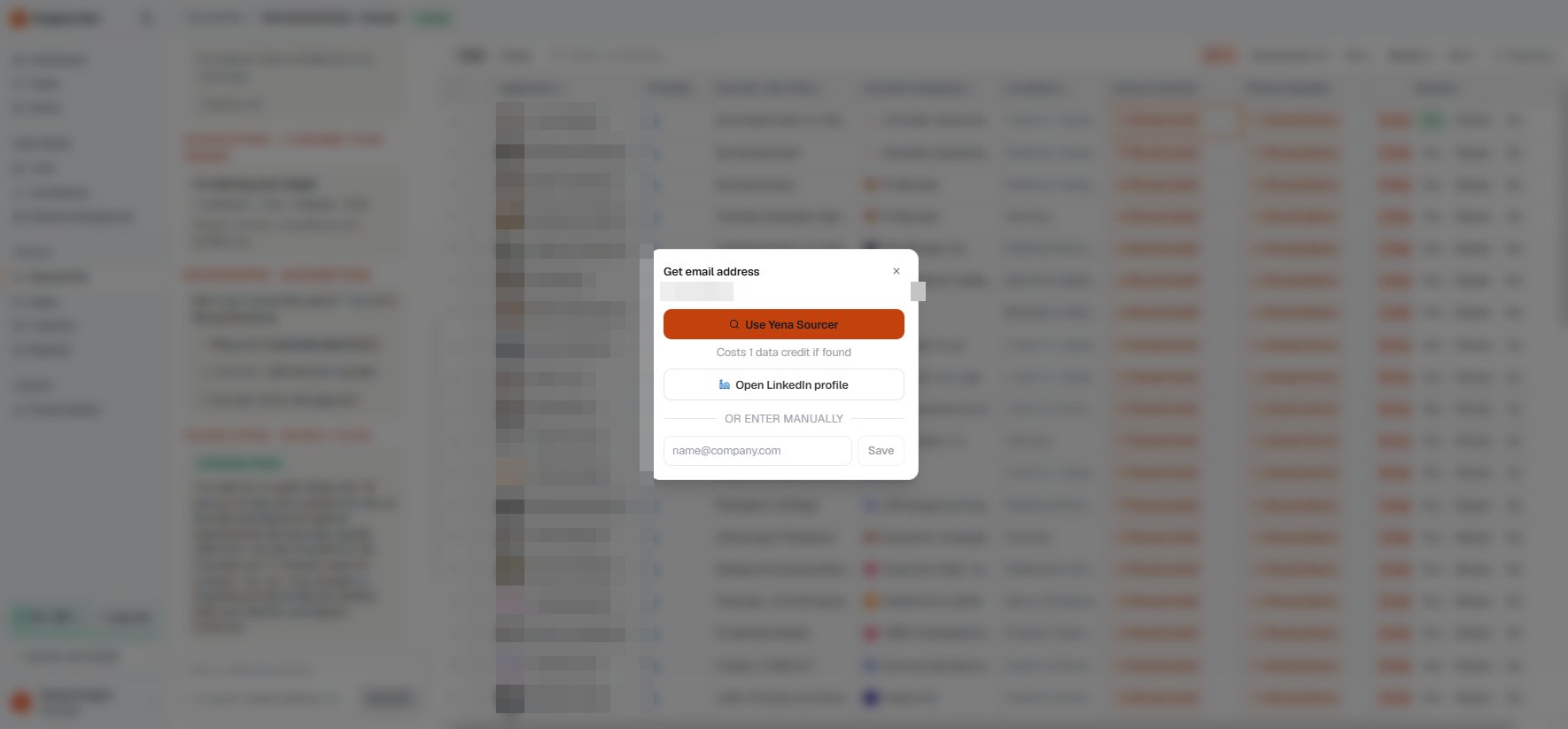
You get three options: let the Yena Sourcer find the address, open the candidate’s LinkedIn profile to look yourself, or enter an address manually if you already have it.
Reveal options: automatic lookup, LinkedIn, or manual entry
2
Let the Sourcer look it up
The lookup costs 1 data credit, and only if an address is found. No result, no charge.
3
Use the verified address
The found address appears inline on the shortlist with a verified marker, and it travels with the candidate when you import them into your ATS.
The revealed address shows directly in the shortlist row
Contact data is personal data. Reveal contacts when you have a real mandate-related reason to reach out, and see GDPR and candidate data for how deletion requests work.