

What one click does
Open a LinkedIn profile and hit Save to Yena. The extension captures the full profile — work history, education, contact information — and creates the candidate record. No copy-paste, no tab switching, no “I’ll add them later” that never happens.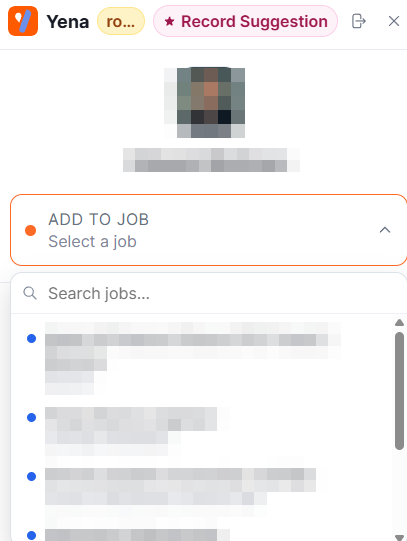
The extension panel on a LinkedIn profile: record suggestion, and Add to Job right there
1
Save from the profile
One click on any LinkedIn profile imports it. Yena’s enrichment fills gaps automatically — verified emails and phone numbers where they can be found, plus experience, skills, and company context.
2
Dedupe check, instantly
Already in your database? The extension alerts you on the spot, so double-entries stop at the source instead of surfacing months later. Duplicates merge cleanly.
3
Assign to a job — without leaving LinkedIn
Add the candidate straight onto a specific mandate and stage from the LinkedIn tab. The profile you found at 9:00 is on the pipeline at 9:01.
Extension and Sourcer, together
They’re complementary motions: the Sourcer sweeps a market from a brief; the extension harvests the profiles your own browsing surfaces — inbound applicants you look up, referrals, people who engaged with your posts. Both land in the same database, feed the same Smart Match, and grow the pool that answers first on the next mandate.The extension works from the moment you sign up and install it — details on the product page. Save profiles with the same discipline you’d apply to any sourcing: see Sourcing responsibly.