> ## Documentation Index
> Fetch the complete documentation index at: https://support.yena.ai/llms.txt
> Use this file to discover all available pages before exploring further.
# Team and workspace settings
> Tenant Admin: workspace defaults, team members and roles, pipelines, custom fields, and audit log.
**Tenant Admin** (visible to owners and admins) is where the workspace itself is configured.
 ## General
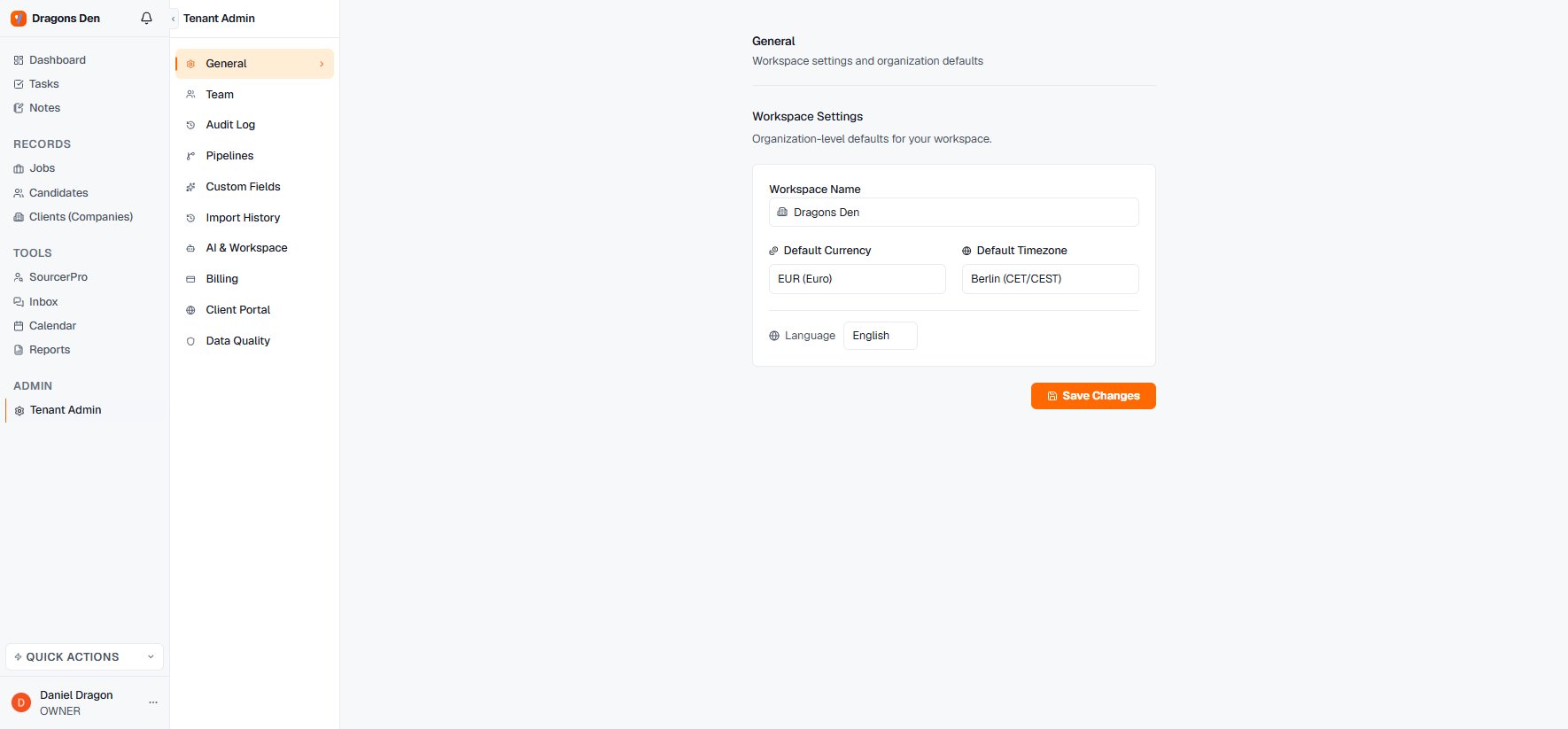
Workspace name, **default currency** (used for deal values and revenue reporting), **default timezone**, and the workspace **language**.
## Team
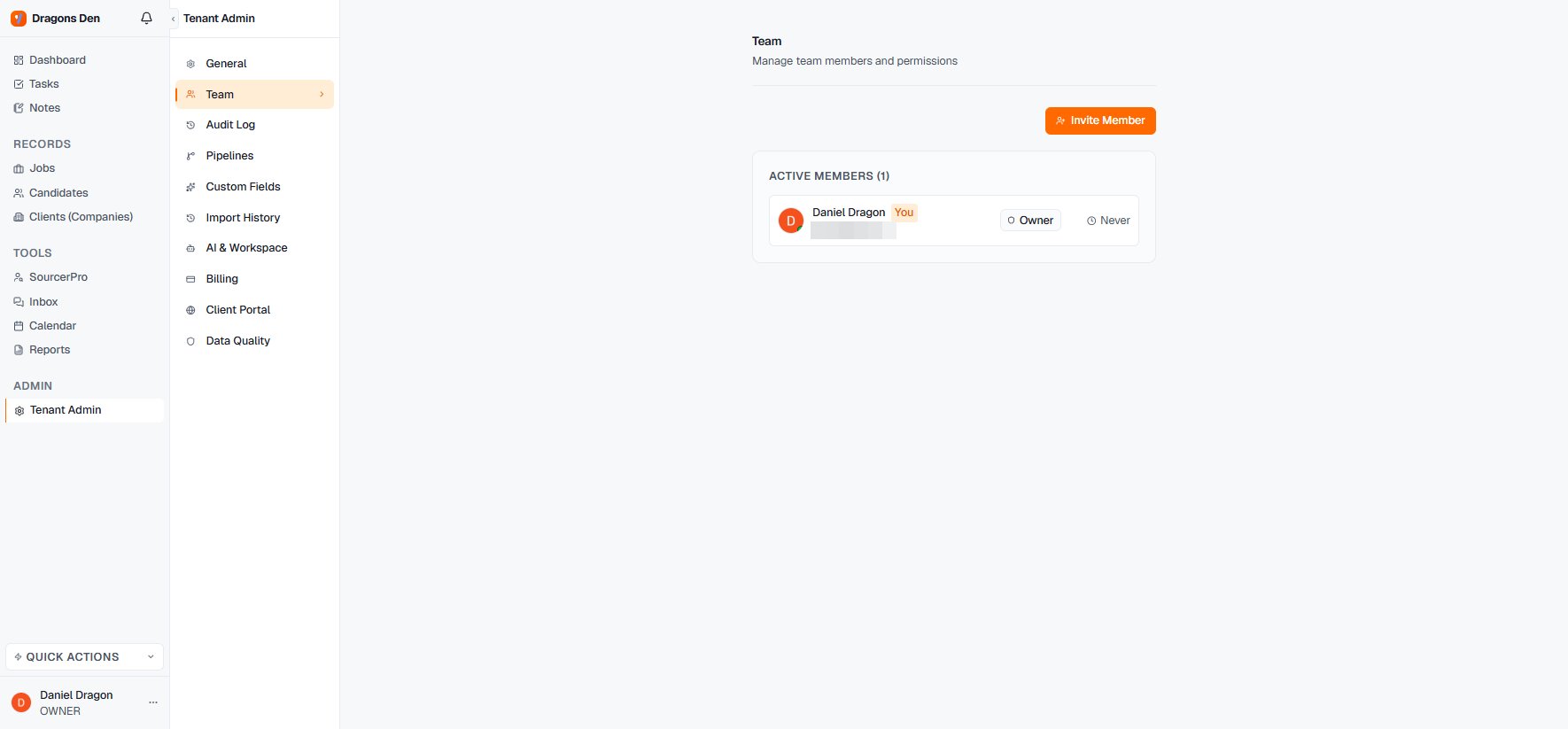
Invite colleagues with **Invite Member**; members carry a role (Owner, and further roles per plan) and a last-active indicator.
## General
Workspace name, **default currency** (used for deal values and revenue reporting), **default timezone**, and the workspace **language**.
## Team
Invite colleagues with **Invite Member**; members carry a role (Owner, and further roles per plan) and a last-active indicator.
 ## The rest of the admin surface
* **Audit Log** — who did what, when.
* **Pipelines** — workspace-level pipeline templates, so new jobs start with your stages.
* **Custom Fields** — extend candidate, job, and company records with your own fields.
* **Import History** — every CSV and CV import, traceable.
* **AI & Workspace** — AI behaviour settings for the workspace.
* **Billing** — plan and payment.
* **Client Portal** — portal defaults and branding.
* **Data Quality** — where records are missing the fields your reporting relies on.
## The rest of the admin surface
* **Audit Log** — who did what, when.
* **Pipelines** — workspace-level pipeline templates, so new jobs start with your stages.
* **Custom Fields** — extend candidate, job, and company records with your own fields.
* **Import History** — every CSV and CV import, traceable.
* **AI & Workspace** — AI behaviour settings for the workspace.
* **Billing** — plan and payment.
* **Client Portal** — portal defaults and branding.
* **Data Quality** — where records are missing the fields your reporting relies on.