> ## Documentation Index
> Fetch the complete documentation index at: https://support.yena.ai/llms.txt
> Use this file to discover all available pages before exploring further.
# Reports
> Recruiting KPIs, pipeline funnel, revenue, team activity, and data quality in one place.
**Reports** answers the Monday questions without spreadsheet work.
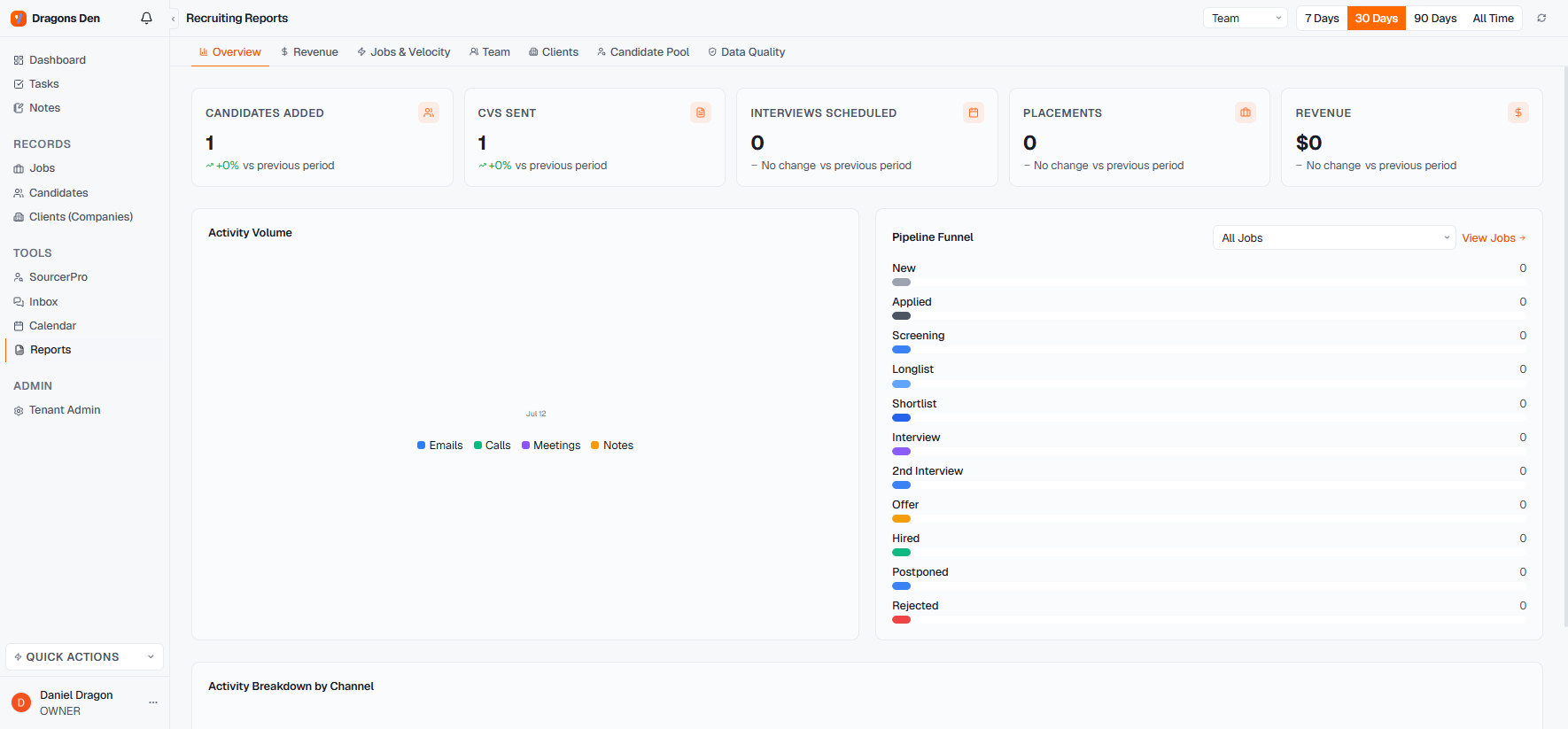 * **Overview** shows the headline counters for the period: candidates added, CVs sent, interviews scheduled, placements, revenue, each against the previous period. Periods: 7, 30, 90 days or all time.
* **Pipeline Funnel** shows where candidates sit across every stage, for all jobs or one job.
* **Activity Volume** breaks down emails, calls, meetings, and notes over time, per team or per person.
* Dedicated tabs go deeper: **Revenue, Jobs & Velocity, Team, Clients, Candidate Pool, Data Quality**.
Data Quality is the quiet one worth checking monthly: it shows where records are missing the fields the rest of the reporting relies on.
* **Overview** shows the headline counters for the period: candidates added, CVs sent, interviews scheduled, placements, revenue, each against the previous period. Periods: 7, 30, 90 days or all time.
* **Pipeline Funnel** shows where candidates sit across every stage, for all jobs or one job.
* **Activity Volume** breaks down emails, calls, meetings, and notes over time, per team or per person.
* Dedicated tabs go deeper: **Revenue, Jobs & Velocity, Team, Clients, Candidate Pool, Data Quality**.
Data Quality is the quiet one worth checking monthly: it shows where records are missing the fields the rest of the reporting relies on.