> ## Documentation Index
> Fetch the complete documentation index at: https://support.yena.ai/llms.txt
> Use this file to discover all available pages before exploring further.
# Adding guests to a meeting
> Invite teammates and candidates by name, instead of copying addresses out of a record.
Almost every interview invite goes to two kinds of people: someone on your team, and the candidate. Both are already in Yena, so neither should need an address copied across from another tab.
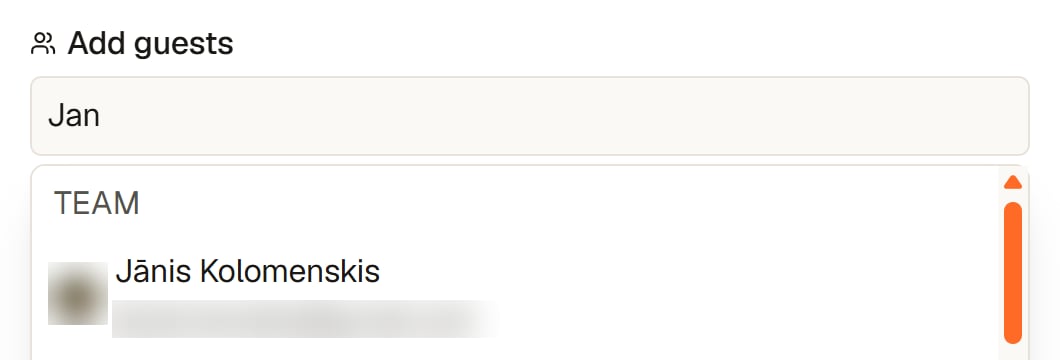
Type a few letters of a name into the guest field of an event. The suggestions arrive in two groups:
* **Team**: the people in your workspace.
* **Candidates**: the people in your database.
Pick the one you mean and the invitation carries the right address.
 An outside address still works. A client's interviewer, for example, can be typed in full as usual.
Picking from the list also protects the spelling. A mistyped address fails quietly, and you find out when the candidate does not show up.
The rest of the calendar, including external sync, is covered in [Calendar, tasks, and notes](/en/workspace/calendar-tasks-notes).
An outside address still works. A client's interviewer, for example, can be typed in full as usual.
Picking from the list also protects the spelling. A mistyped address fails quietly, and you find out when the candidate does not show up.
The rest of the calendar, including external sync, is covered in [Calendar, tasks, and notes](/en/workspace/calendar-tasks-notes).