> ## Documentation Index
> Fetch the complete documentation index at: https://support.yena.ai/llms.txt
> Use this file to discover all available pages before exploring further.
# Finding contact details for sourced candidates
> Reveal a verified email or phone number for any candidate on your shortlist, or add one manually.
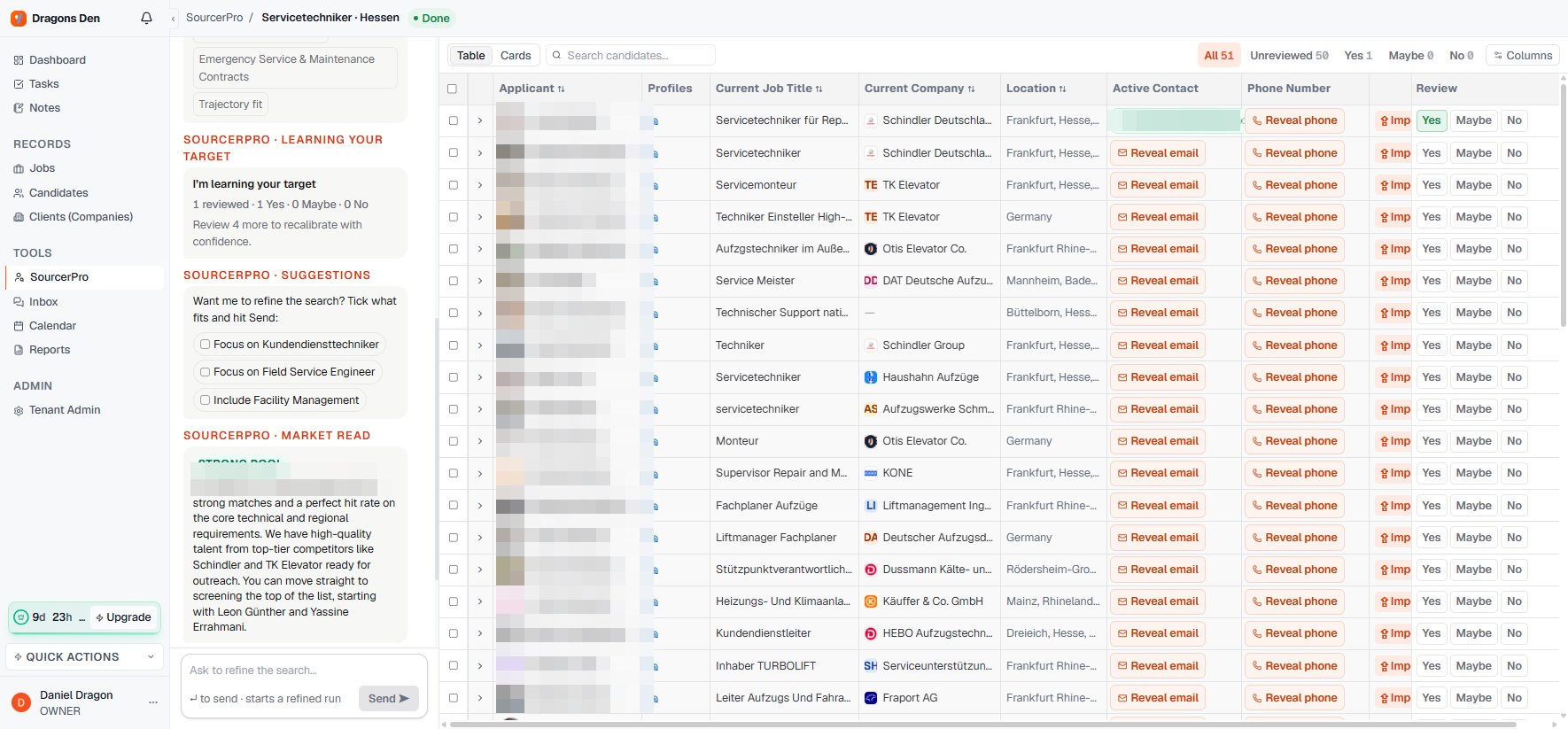
Every candidate on a Sourcer shortlist has **Reveal email** and **Reveal phone** buttons in the Active Contact columns. You only spend anything when you actually need to reach someone.
You get three options: let the **Yena Sourcer** find the address, open the candidate's LinkedIn profile to look yourself, or enter an address manually if you already have it.
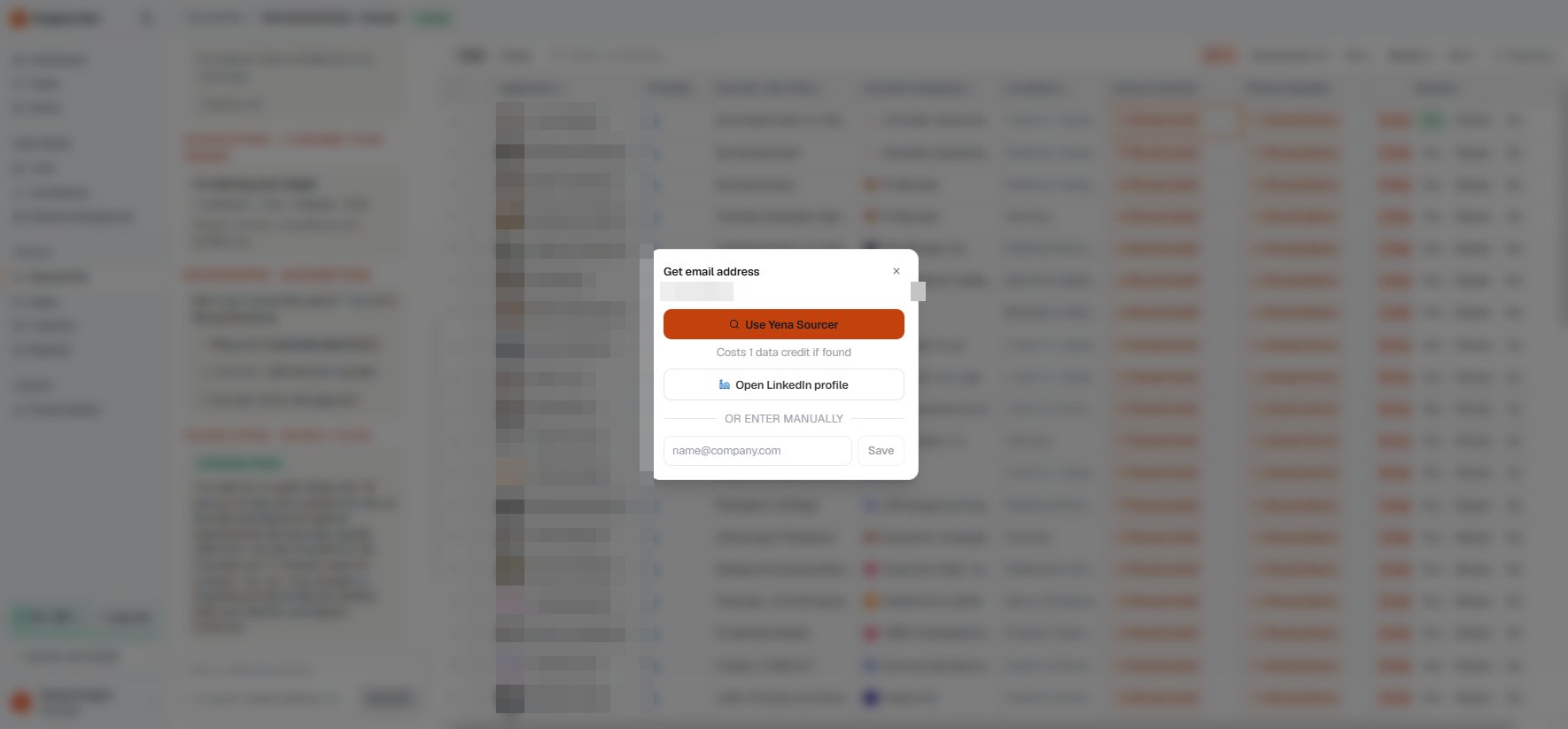 The lookup costs **1 data credit, and only if an address is found**. No result, no charge.
The found address appears inline on the shortlist with a verified marker, and it travels with the candidate when you import them into your ATS.
The lookup costs **1 data credit, and only if an address is found**. No result, no charge.
The found address appears inline on the shortlist with a verified marker, and it travels with the candidate when you import them into your ATS.
 Contact data is personal data. Reveal contacts when you have a real mandate-related reason to reach out, and see [GDPR and candidate data](/en/privacy/gdpr-and-candidate-data) for how deletion requests work.