> ## Documentation Index
> Fetch the complete documentation index at: https://support.yena.ai/llms.txt
> Use this file to discover all available pages before exploring further.
# Notes, references, and files
> The working-history tabs on every candidate record — where intake calls, referees, and documents live.
A candidate record is only as good as what your team writes on it. Three tabs carry the working history:
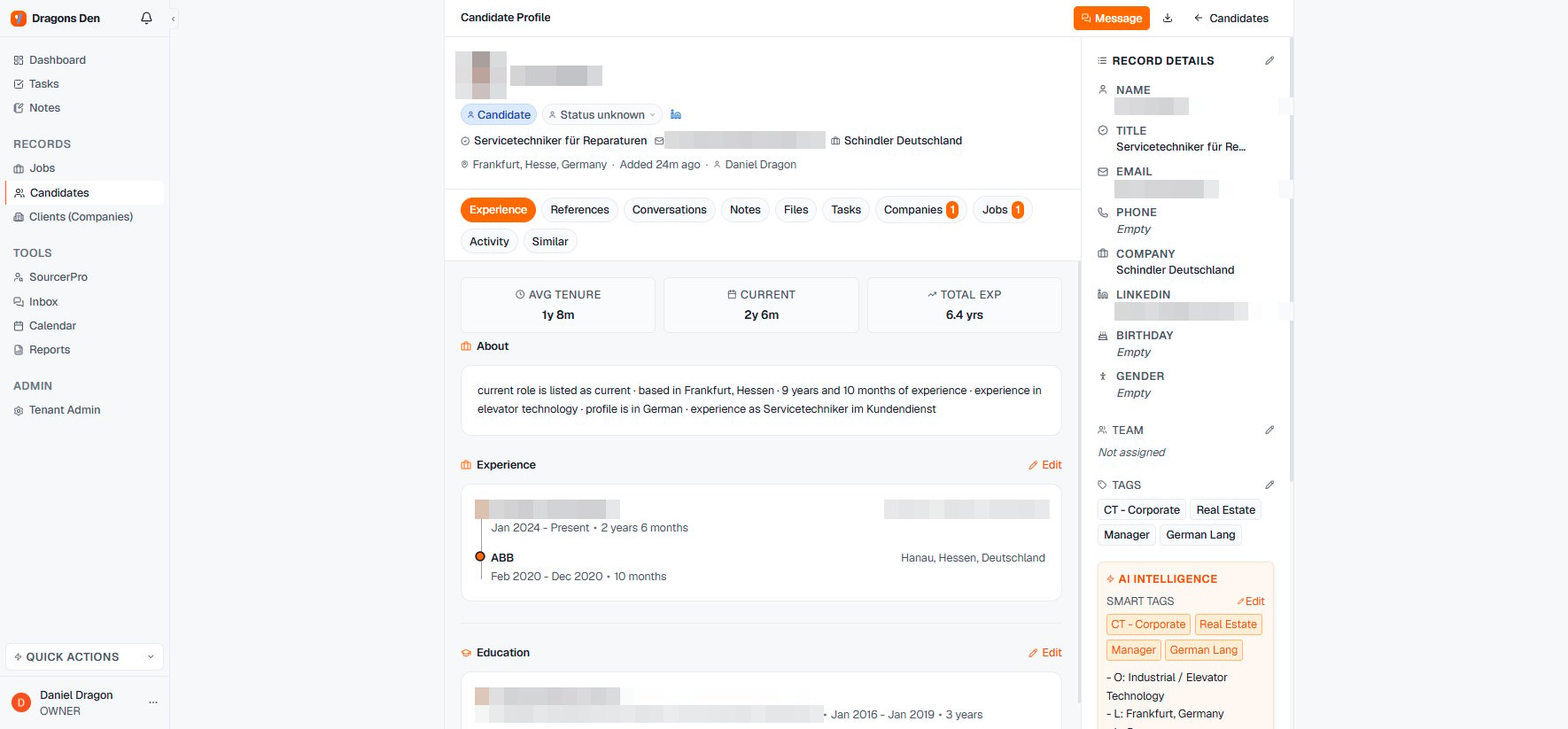 ## Notes
Call debriefs, intake summaries, salary expectations, the "call back in Q2" facts. Notes on the record are visible to the team — which is the point: the [reactivation play](/en/guides/reactivating-silver-medalists) only works if the last conversation was written down. Notes also exist as a global section for cross-record thinking.
## References
Referees and their feedback, kept with the candidate instead of a document graveyard. When a client asks "did you take references?", the answer is on the record with dates.
## Files
CVs, certificates, contracts, the client-ready profile you formatted. Files attached here follow the candidate through every [pipeline](/en/pipeline/stages-and-candidates) — and if the [portal's](/en/portal/sharing-a-shortlist) **Allow Downloads** toggle is on, the CV your client downloads is whatever you attached here, so keep the current version on top.
Everything on the record is retention-relevant under GDPR. Write notes you could defend showing the candidate — see [Sourcing responsibly](/en/sourcer/sourcing-responsibly).
## Notes
Call debriefs, intake summaries, salary expectations, the "call back in Q2" facts. Notes on the record are visible to the team — which is the point: the [reactivation play](/en/guides/reactivating-silver-medalists) only works if the last conversation was written down. Notes also exist as a global section for cross-record thinking.
## References
Referees and their feedback, kept with the candidate instead of a document graveyard. When a client asks "did you take references?", the answer is on the record with dates.
## Files
CVs, certificates, contracts, the client-ready profile you formatted. Files attached here follow the candidate through every [pipeline](/en/pipeline/stages-and-candidates) — and if the [portal's](/en/portal/sharing-a-shortlist) **Allow Downloads** toggle is on, the CV your client downloads is whatever you attached here, so keep the current version on top.
Everything on the record is retention-relevant under GDPR. Write notes you could defend showing the candidate — see [Sourcing responsibly](/en/sourcer/sourcing-responsibly).