> ## Documentation Index
> Fetch the complete documentation index at: https://support.yena.ai/llms.txt
> Use this file to discover all available pages before exploring further.
# Importing a CV
> Drop a CV file and get a structured candidate record — the fastest path for candidates who arrive as documents.
Plenty of candidates arrive as a PDF: a referral forwarded by a client, an application from a job board, the stack from a career fair.
## Where it lives
**Import CV** sits in two places: at the top of **Candidates**, and directly in every job's pipeline pool — so a CV can enter the database and land on the right mandate in one motion.
## What the parse does
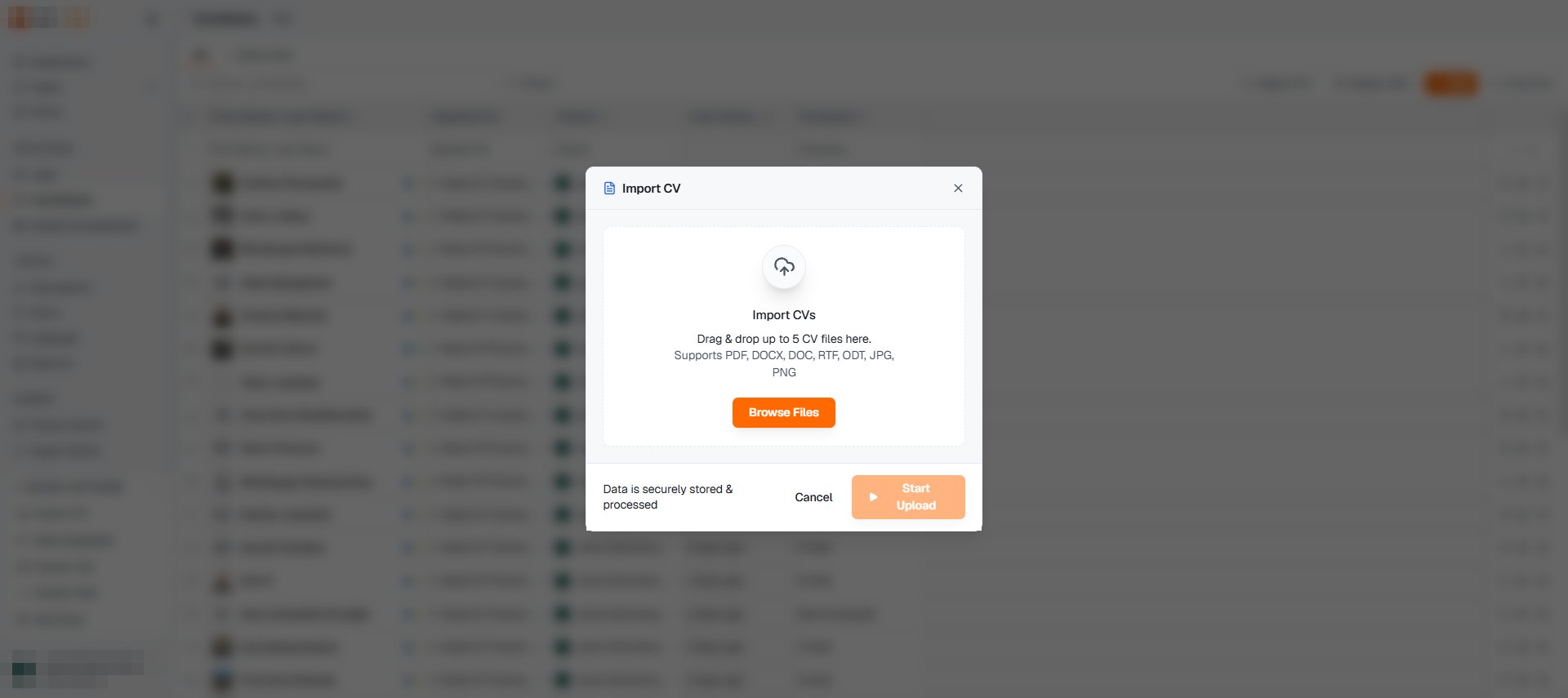 Yena reads the document and builds the record: name, title, contact details, experience timeline, education. You review the result before it saves — the parse is a head start, not an act of faith. From there the record behaves like any other: [tabs, files, AI Intelligence](/en/pipeline/candidate-records), with the original document attached under **Files**.
## Bulk alternatives
A whole folder of CVs is still one-at-a-time; a structured export is not. If your data is already in columns, [CSV import](/en/guides/migrating-from-spreadsheets) is the right tool, and **Tenant Admin → Import History** keeps the audit trail for both.
Client forwarded you a candidate? Import the CV from the job's pool, stage them on **Applied**, and the client sees progress in the [portal](/en/portal/sharing-a-shortlist) the same day.
Yena reads the document and builds the record: name, title, contact details, experience timeline, education. You review the result before it saves — the parse is a head start, not an act of faith. From there the record behaves like any other: [tabs, files, AI Intelligence](/en/pipeline/candidate-records), with the original document attached under **Files**.
## Bulk alternatives
A whole folder of CVs is still one-at-a-time; a structured export is not. If your data is already in columns, [CSV import](/en/guides/migrating-from-spreadsheets) is the right tool, and **Tenant Admin → Import History** keeps the audit trail for both.
Client forwarded you a candidate? Import the CV from the job's pool, stage them on **Applied**, and the client sees progress in the [portal](/en/portal/sharing-a-shortlist) the same day.