> ## Documentation Index
> Fetch the complete documentation index at: https://support.yena.ai/llms.txt
> Use this file to discover all available pages before exploring further.
# From client brief to presented shortlist
> The full journey across every module: client, mandate, search, contacts, pipeline, portal — in one sitting.
This is the whole job in one guide: a client gives you a search, and forty minutes later they're reviewing candidates on a branded portal. Each step names the module you're in, because the work crosses five of them.
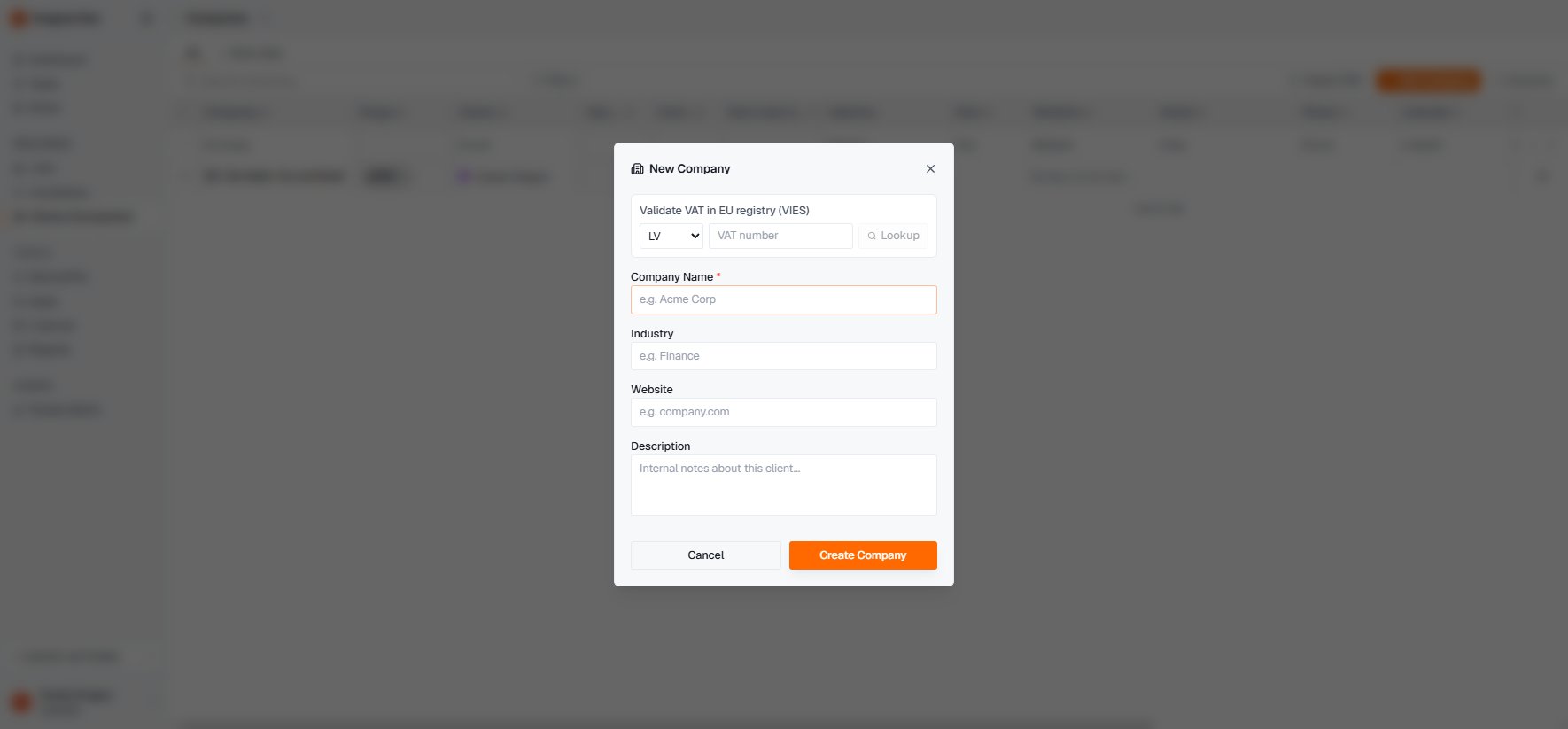
**Add Company**, validate their VAT via VIES if you have it, done. The company record anchors everything that follows.
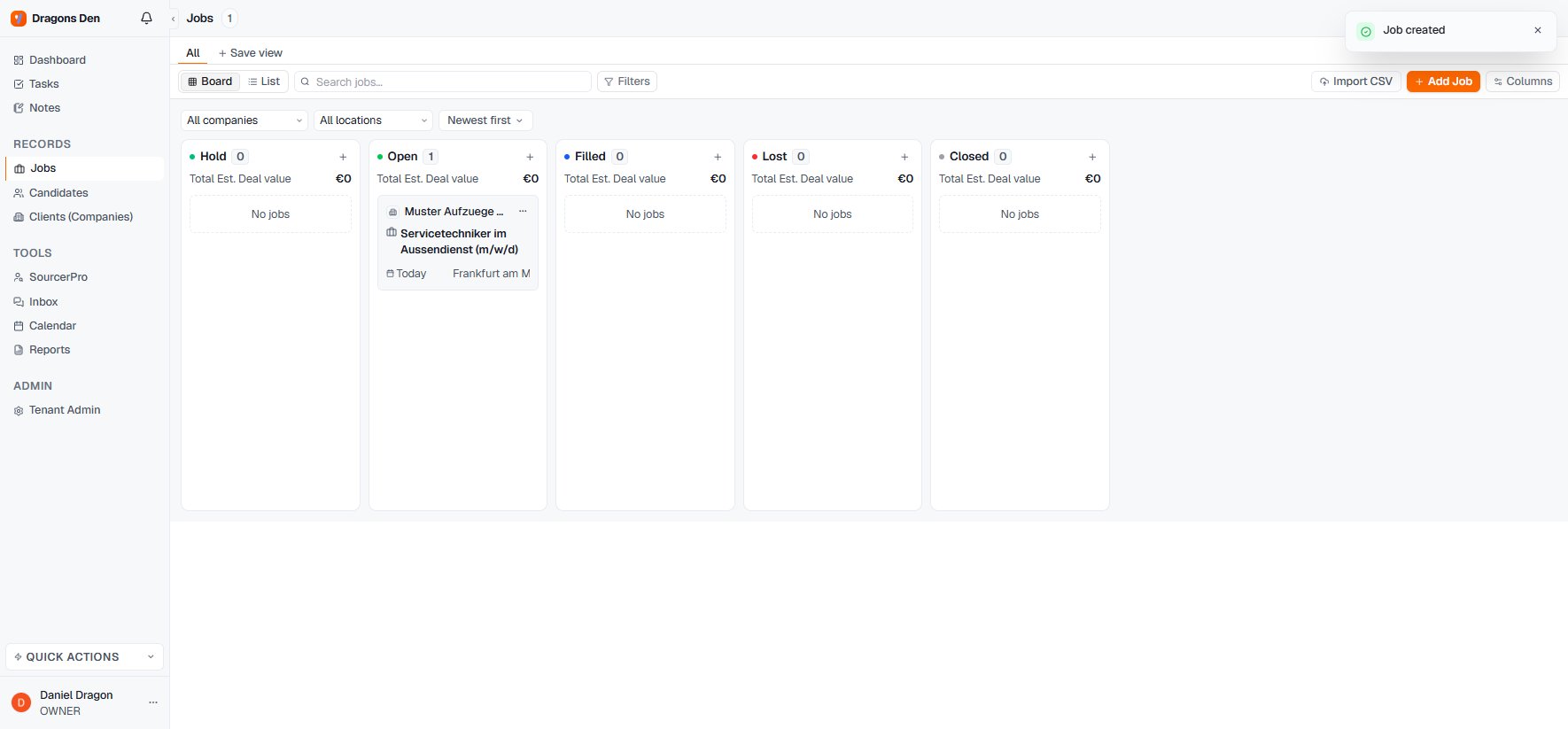
 **Add Job**: role title, the client you just created, salary range (typed naturally, parsed automatically), fee type. The mandate lands in **Open** on the board.
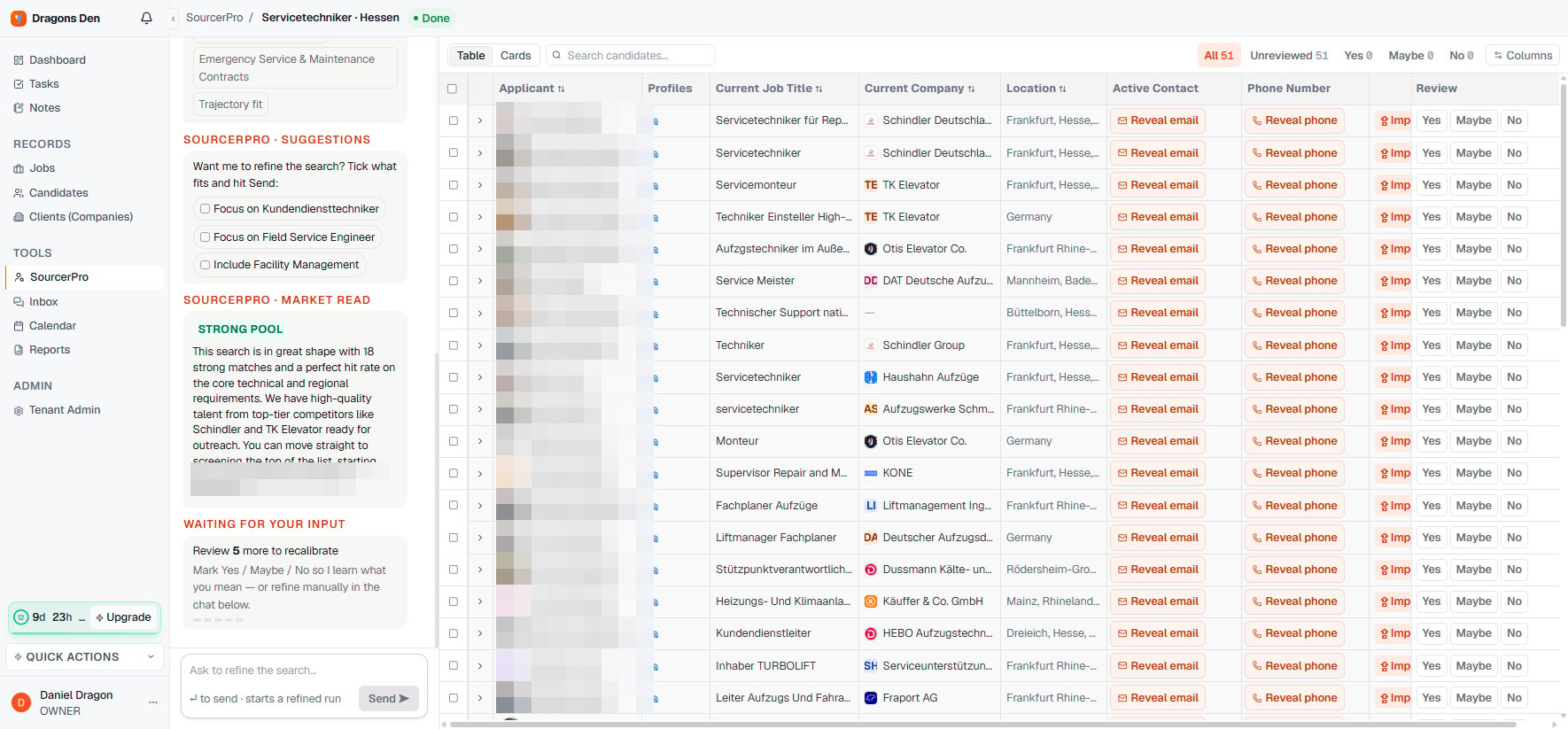
 Write the brief the way the client said it. Review the drafted **Ideal Candidate Profile** — dealbreakers under must-have — and approve. Five to eight minutes later you have a screened, ranked shortlist with a market read.
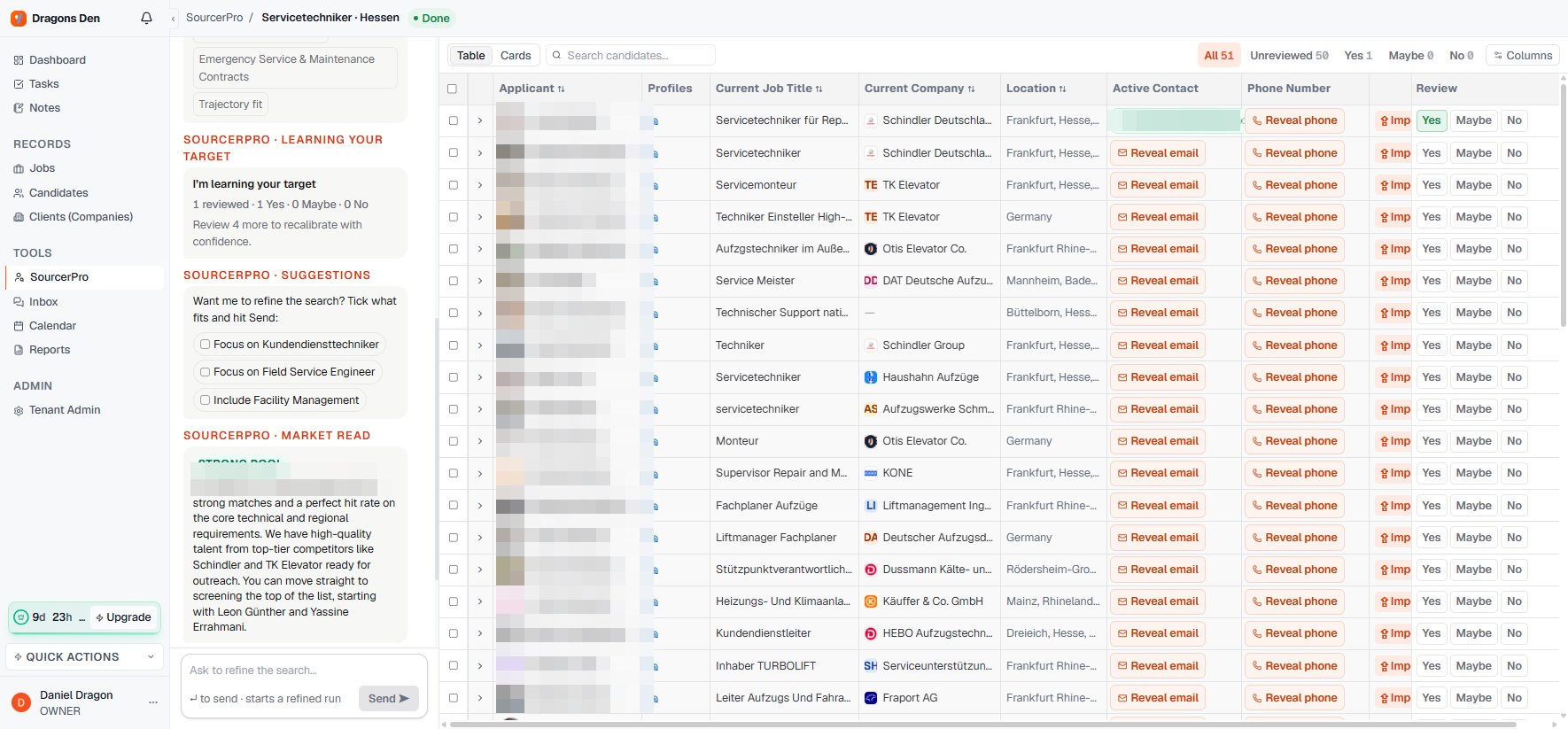
 Mark Yes/Maybe/No as you read. For the profiles you'll actually contact: **Reveal email** (1 data credit, only if found), then **Import** — the candidate lands in your ATS with employer record attached.
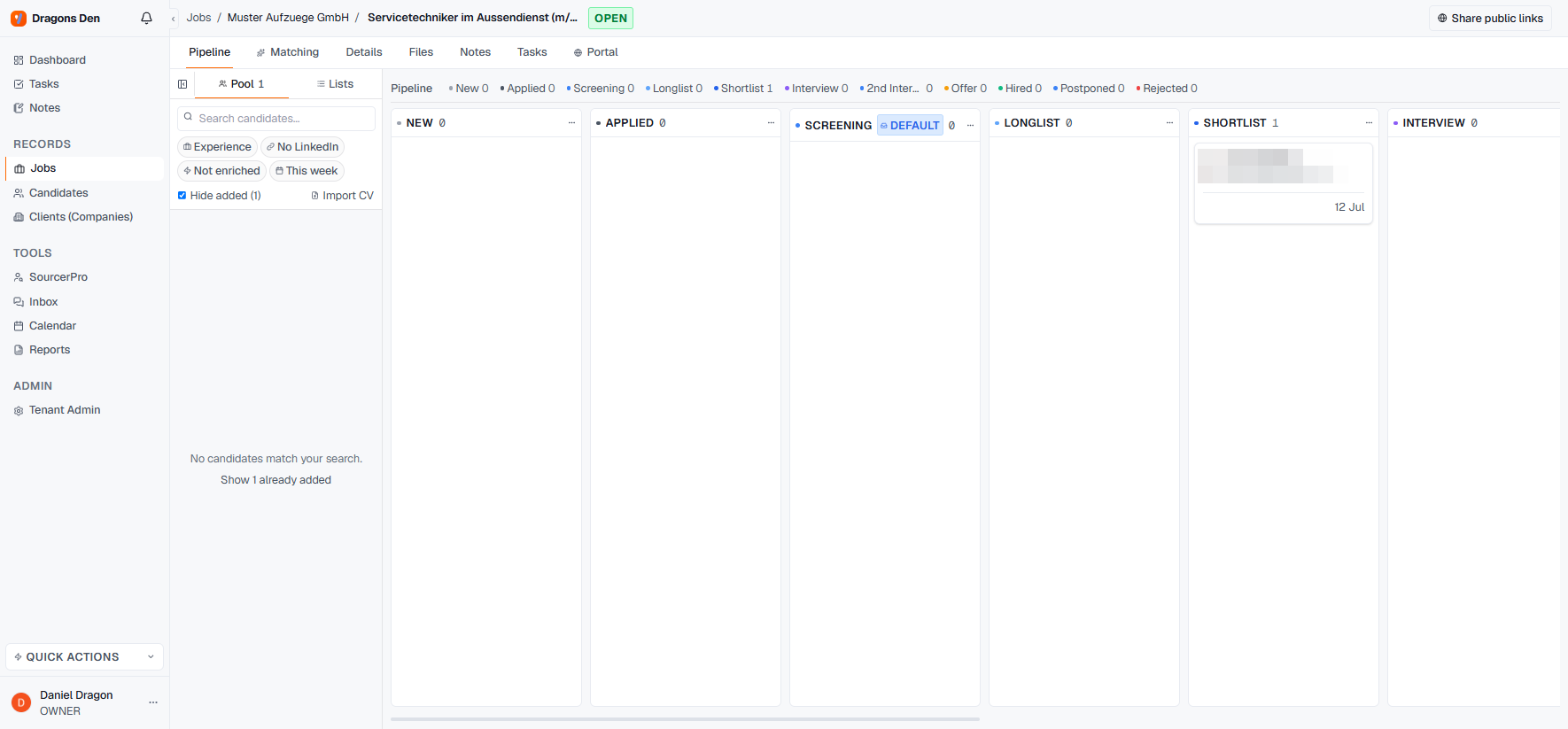
 Open the mandate, pull your imports from the pool onto the pipeline, and place them on the stage that's true — usually **Screening** until you've spoken, **Shortlist** when they're client-ready.
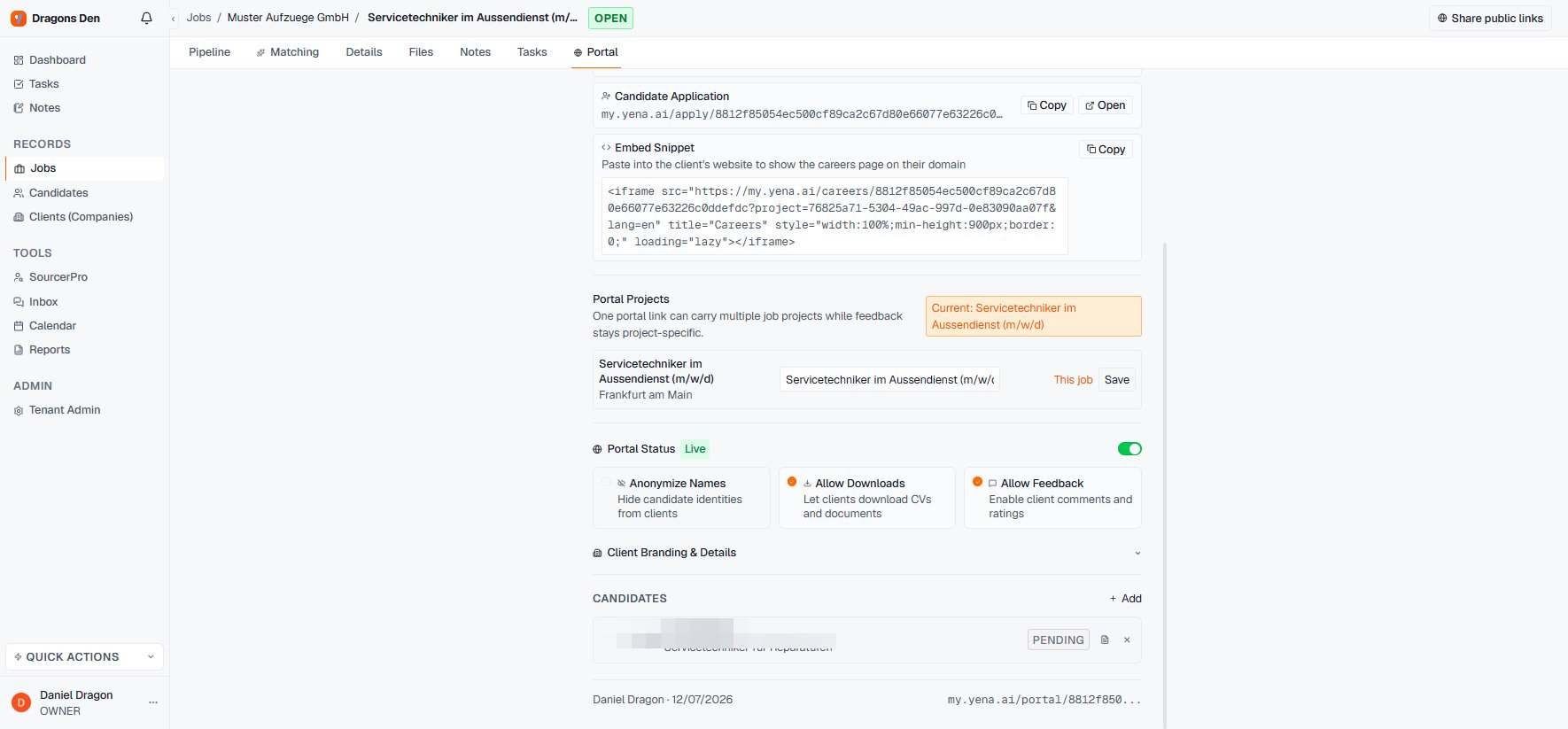
 Create the portal workspace, **+ Add** exactly the candidates you want the client to see, set **Anonymize Names** if there's no contract yet, and **Copy Link**.
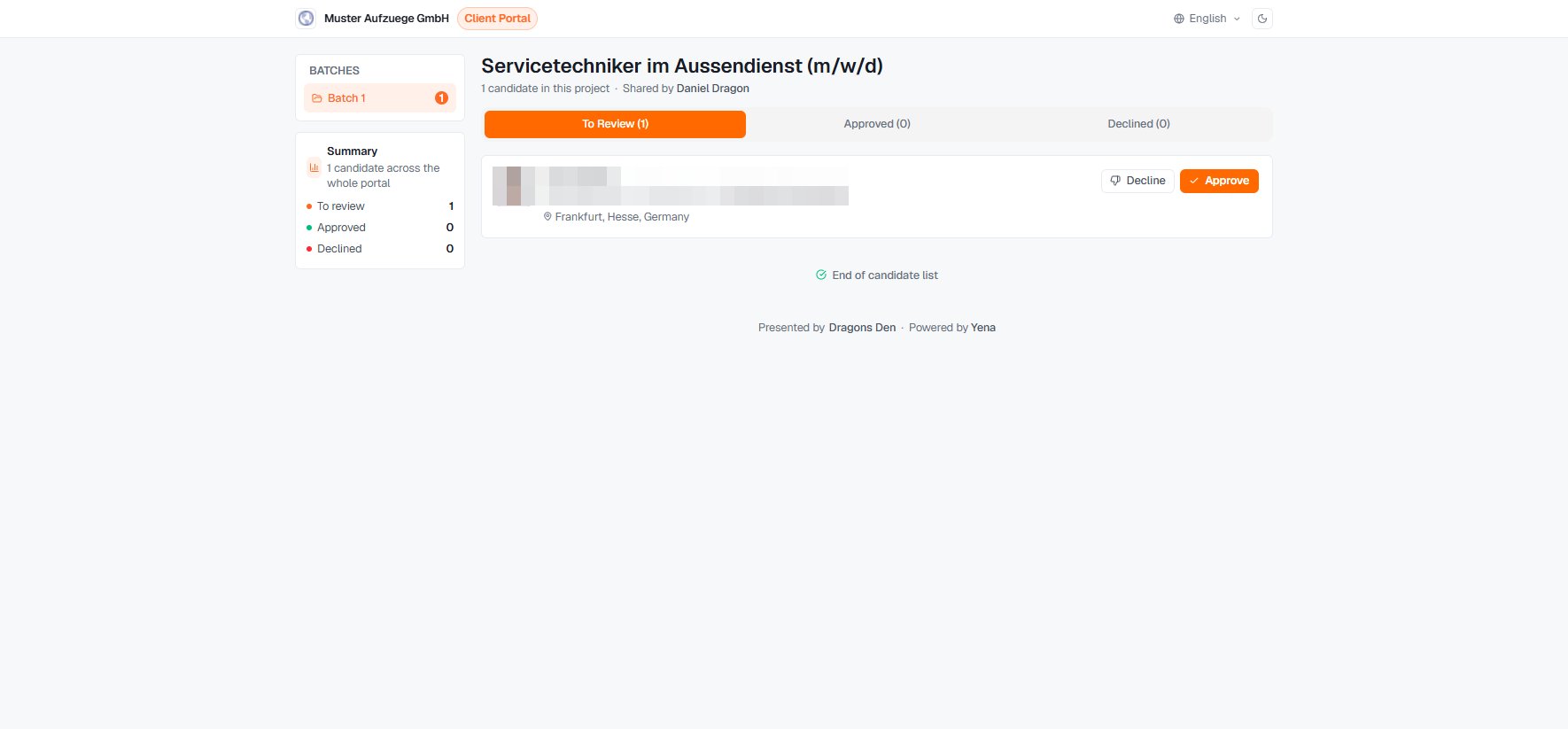
 They approve and decline on the branded page; you watch the counters and the feedback in the portal tab, and move approved candidates to **Interview** on the pipeline.
 Next mandate for the same client? The portal workspace is reusable — one link, multiple job projects — and [Smart Match](/en/pipeline/smart-match) checks your now-grown pool before you source externally again.