> ## Documentation Index
> Fetch the complete documentation index at: https://support.yena.ai/llms.txt
> Use this file to discover all available pages before exploring further.
# Create your account and start your trial
> Sign up, log in, and see what your workspace includes from day one.
You can try Yena without talking to sales first.
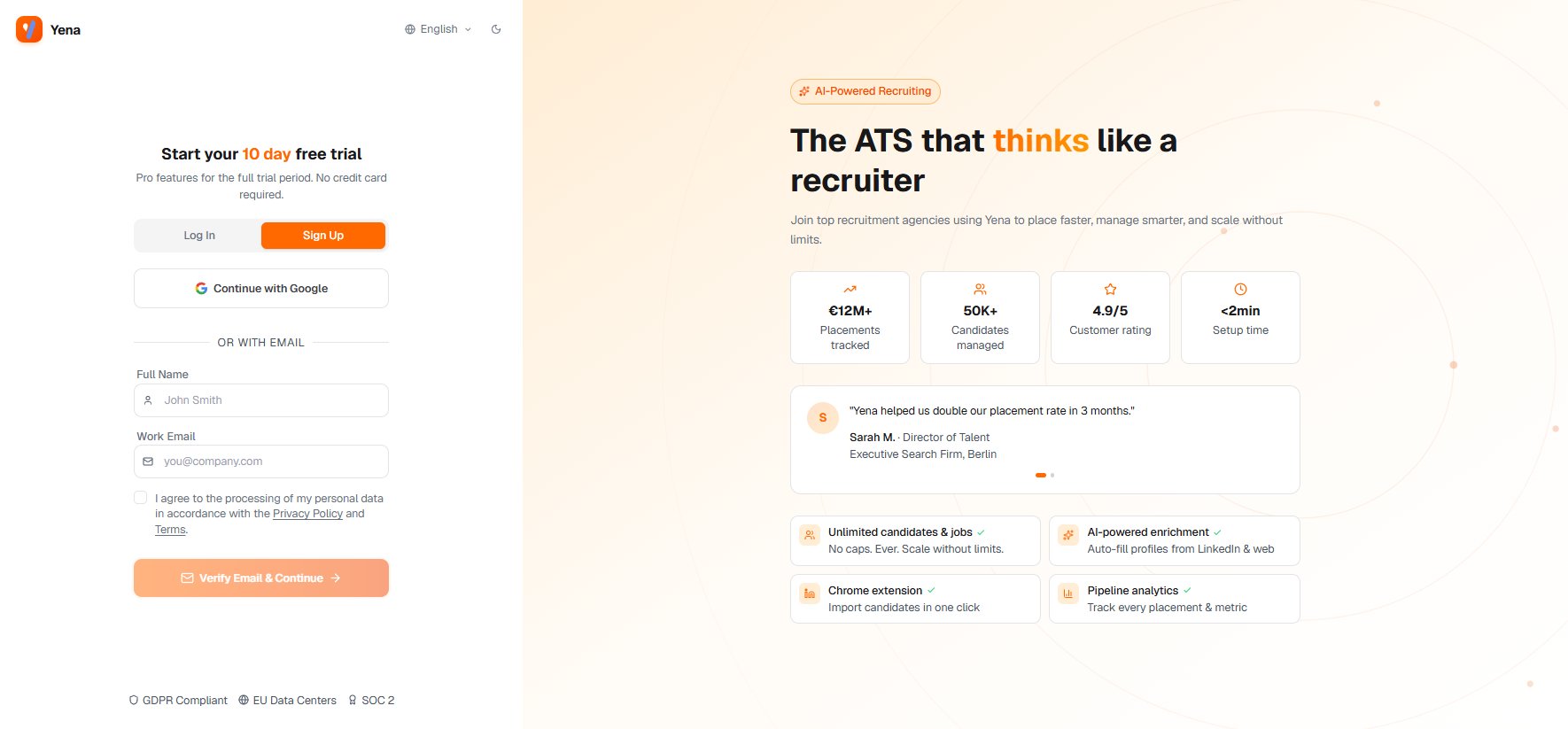
Go to [my.yena.ai/register](https://my.yena.ai/register) and create your account with your work email. There's no credit card required to start.
 Your workspace opens at [my.yena.ai](https://my.yena.ai). The fastest way to understand Yena is to run one real search for a role you're actually working on.
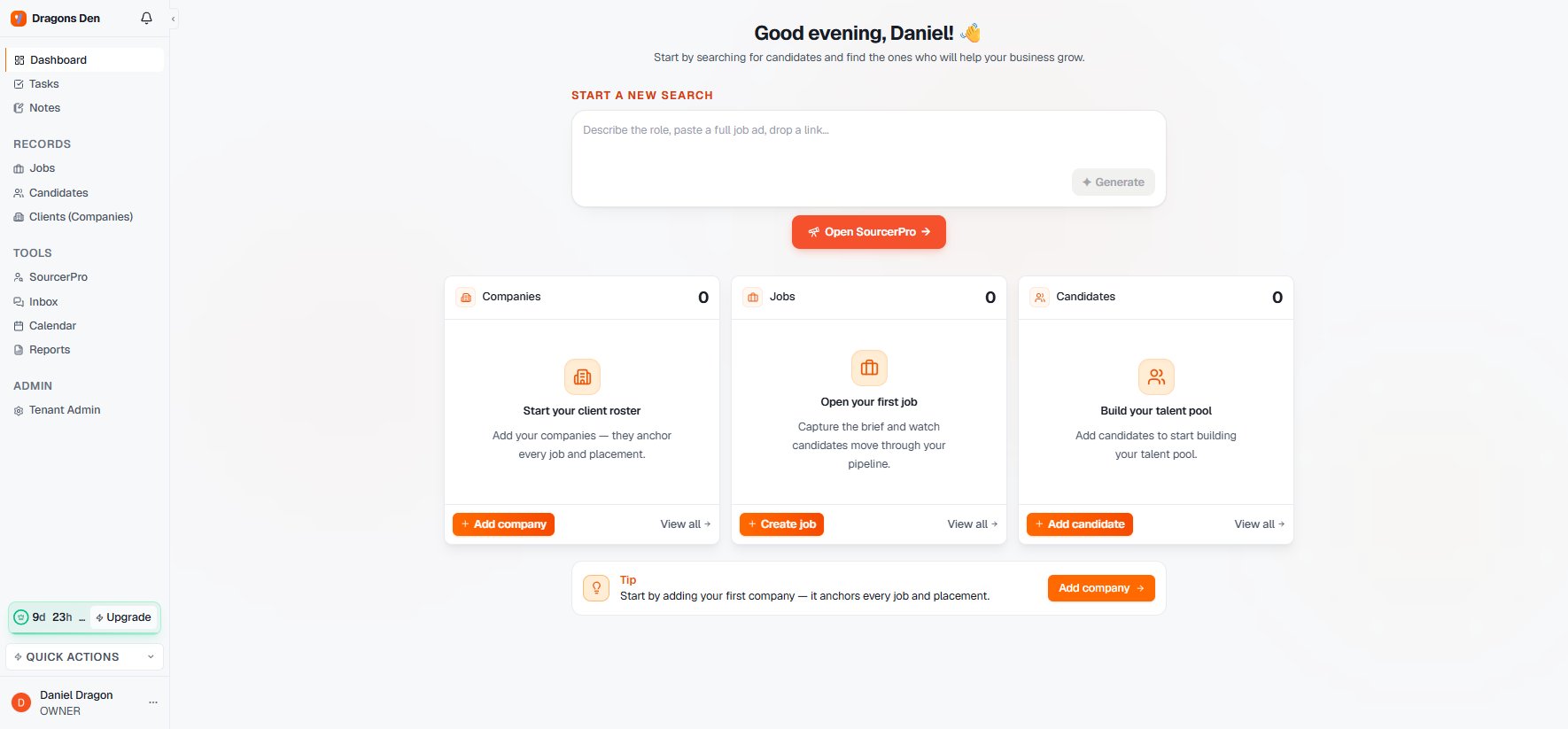 Follow [Your first Sourcer run](/en/getting-started/first-sourcer-run) — it takes about ten minutes with a real role.
Questions before you start? [Write to us](https://www.yena.ai/contact). If you run an agency or search firm and want to test Yena on a live mandate, say so. That's our favourite kind of trial.
Follow [Your first Sourcer run](/en/getting-started/first-sourcer-run) — it takes about ten minutes with a real role.
Questions before you start? [Write to us](https://www.yena.ai/contact). If you run an agency or search firm and want to test Yena on a live mandate, say so. That's our favourite kind of trial.